Leading a Design Team into AI
Researching AI design platforms, earning buy-in, addressing concerns head on, and training 30+ design and merchandising team members to use AI in their work.
At a glance
Challenge
AI design tools were arriving fast, and every licensed product still had to meet a licensor’s brand standards.
What I did
Piloted three platforms with 6 to 10 designers, cleared IT, Legal and Procurement, set five guardrails for licensed work, and trained 30+ team members.
Result
2XFaster to design and tech pack samples, with less resampling.
Leading the team through a new kind of tool
Generative AI tools for product design were arriving fast, and designers wanted to try them. My job was to find the tools that would really help, bring them in responsibly, and make sure the team stayed in charge of the design decisions.
On licensed work, every product answers to a licensor’s brand standards, so any new tool had to fit inside those rules too.
Researching the platforms
As a founding member of RAA’s AI Trailblazers group, I led our research into AI design platforms built for product and fashion teams. We put three of the strongest options through real design work.
Research detailThe three platforms we compared
| Platform | What it does |
|---|---|
| Vizcom.AI | An AI design platform that turns sketches into photorealistic renders and 3D, built for product designers in footwear, apparel and industrial design. |
| Raspberry AI | A generative AI platform for fashion that takes sketches to photorealistic renders, lifestyle imagery and virtual try-on. |
| Fermat | A generative AI toolbox for fashion and luxury design teams that designs from mood boards, creates realistic renders and applies materials. |
Testing with a small group first
Before asking 30+ people to change how they work, I ran a pilot. A group of 6 to 10 designers used the platforms on real seasonal product for one to two months. I set five success criteria before we started.
Pilot detailThe five success criteria and how I gathered feedback
- 01
Output quality
Renders had to stay true to the sketch and be good enough to show a brand partner or a factory.
- 02
Time saved
Concept and tech pack work had to move faster than our standard process.
- 03
Ease of use
Designers had to be able to pick it up quickly.
- 04
Fit with real workflow
It had to work on real seasonal product in our categories, not just demo examples.
- 05
Team buy-in
The designers testing it had to want to keep using it.
Gathering feedback
I collected feedback from the pilot group three ways.
Group check-ins
The group shared what was working and what wasn’t.
One-on-ones
Individual conversations with each tester about their experience.
Output review
Looked at the renders and work they produced, side by side.
At the end of the pilot I made the go/no-go recommendation and presented it to my VP, senior leadership, the AI Trailblazers group and the AI governance committee.
Choosing on more than features
The right platform wasn’t just the one with the best renders. The decision came down to three factors, and each one mattered to a different group of people.
Decision detailThe three factors behind the choice
Design team buy-in
Change is hard. If designers don’t believe in a tool, it won’t get used, so their hands-on feedback carried real weight.
Licensing and cost
Upper management needed the numbers. Cost wasn’t the deciding factor, but every option had to be evaluated on it.
Legal and security
Legal and IT reviewed each platform’s terms so the choice could pass through our AI governance committee.
Guardrails for licensed work
Picking a platform was only half the job. Five rules made AI safe to use on licensed brand work: protect the brand and our partners, get Legal aligned early, make it easy for design and marketing, keep a human in the loop, and lead the change, not just the rules.
Guardrail detailWhat each of the five rules covered
- 01
Protect the brand and our partners
Set clear rules on what data and assets can go into AI tools, so licensor and company work stays safe.
- 02
Get legal aligned early
Worked with Legal to approve the exact wording for AI-generated, customer-facing images, so nobody had to guess.
- 03
Make it easy for designers and marketing
Turned policy into simple guidelines both teams follow the same way every time.
- 04
Keep a human in the loop
Required a designer or manager to review AI work before it left the building.
- 05
Lead the change, not just the rules
Guided the team through adopting AI with clear ownership, so it speeds up design instead of adding risk.
Addressing the fears up front
Two concerns came up again and again, especially from younger designers: the environmental cost of AI and what it means for their jobs. I addressed both openly from the start.
Researching the real footprint
As Product Group Lead on RAA’s ESG Committee, I worked with our head of sustainability to research the real environmental impact of AI and what we could do as a company to offset it, so the team got facts instead of headlines.
A tool, not a replacement
I set the narrative early: these platforms are tools for the design team, not a substitute for it. The investment was in the people we already valued, giving them more room to explore creatively while working more efficiently.
If the team is worried, the rollout has already stalled. Naming the concerns first is what earns the right to ask people to change.
On leading through change
Rolling it out to 30+ people
Tools only matter if people use them. I led the rollout and training for more than 30 design and merchandising team members, and built a group of power users who could help others day to day.
I was also the main contact with our software partners for demos, licensing, escalations and feature requests.
To help the team get started, I put together a short Vizcom 101 quick guide for designers, from sketch to export, with a suggested first 45 minutes of practice.
Training guidePage through the 12-page quick guide
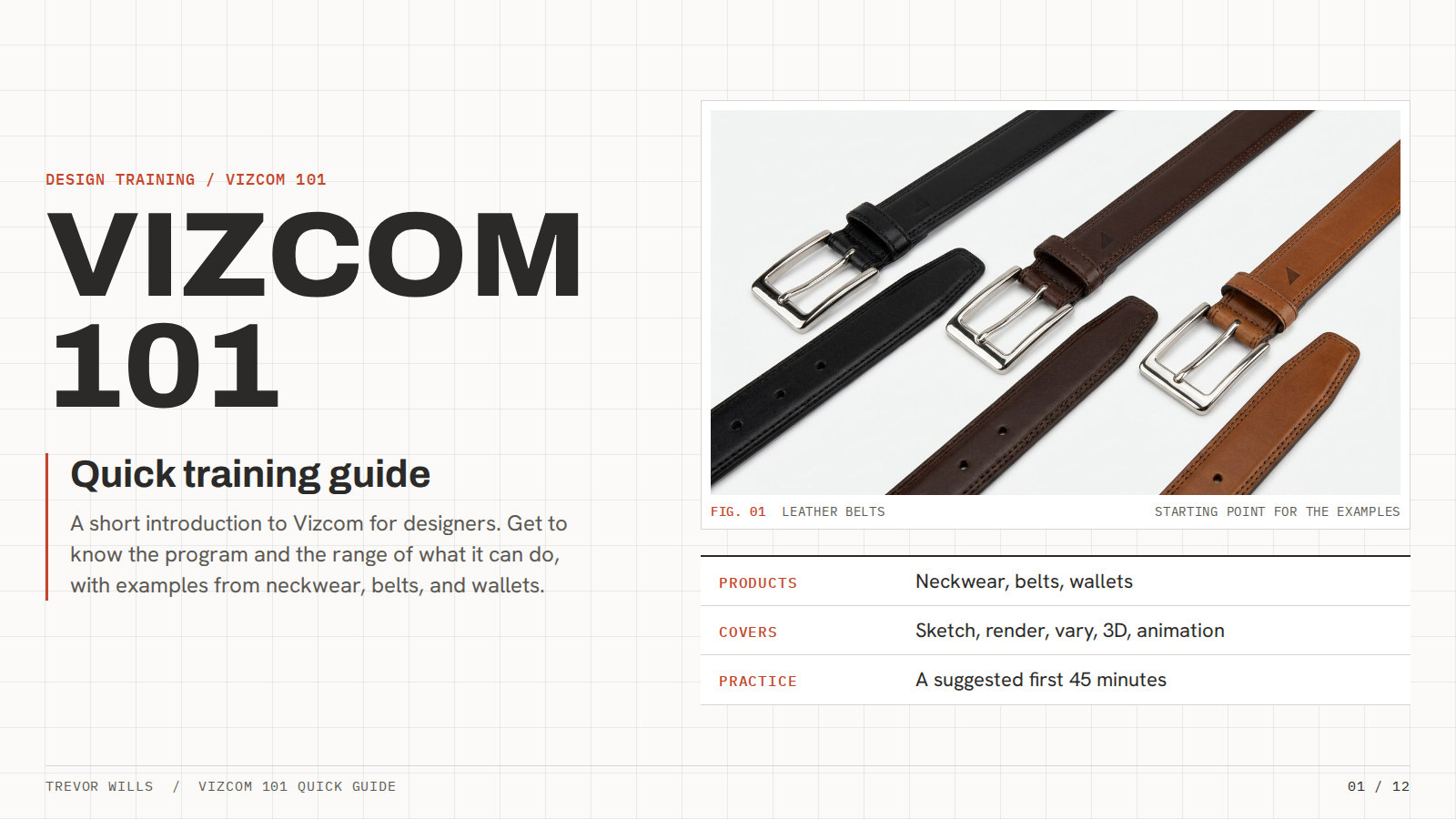
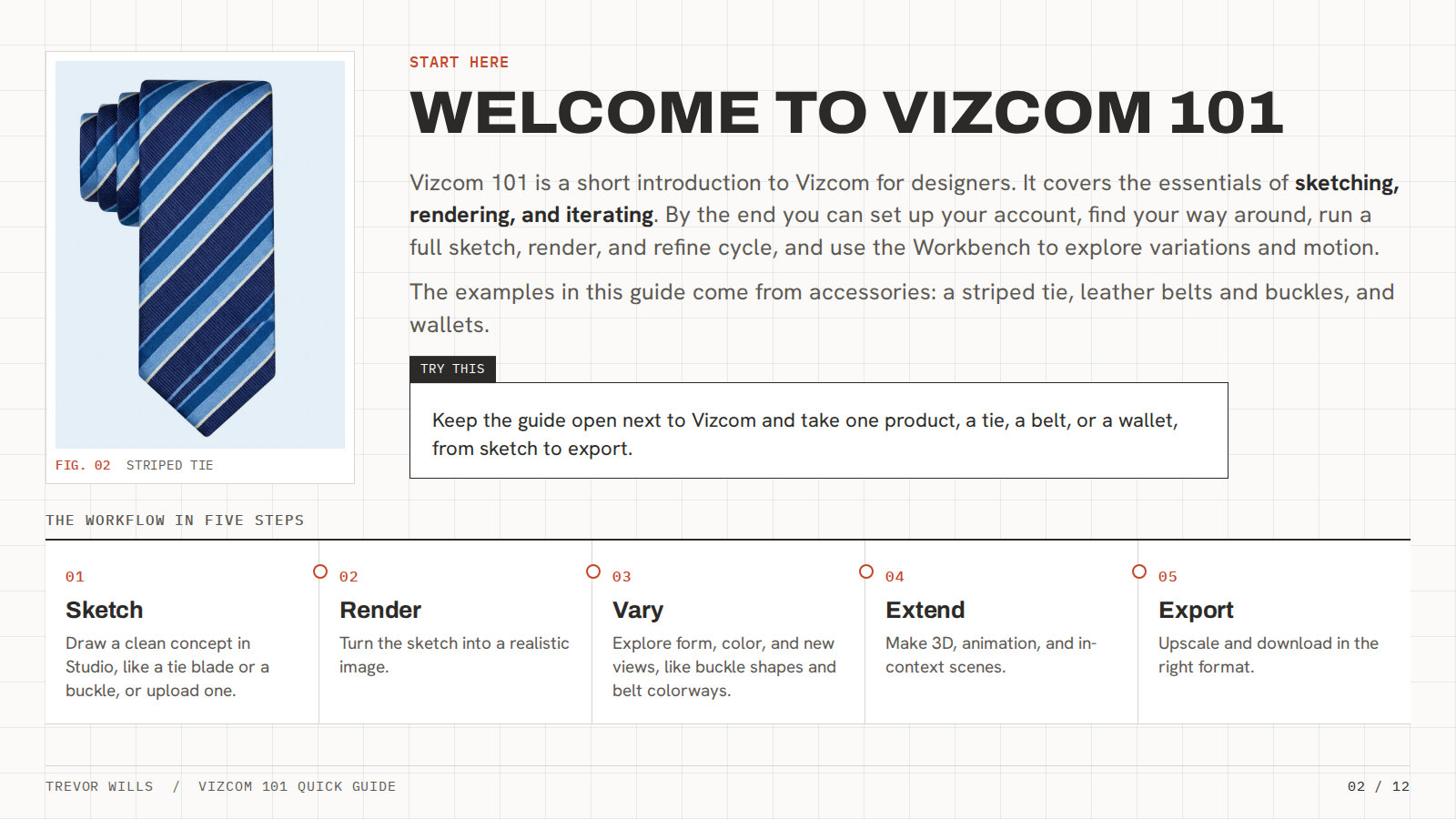
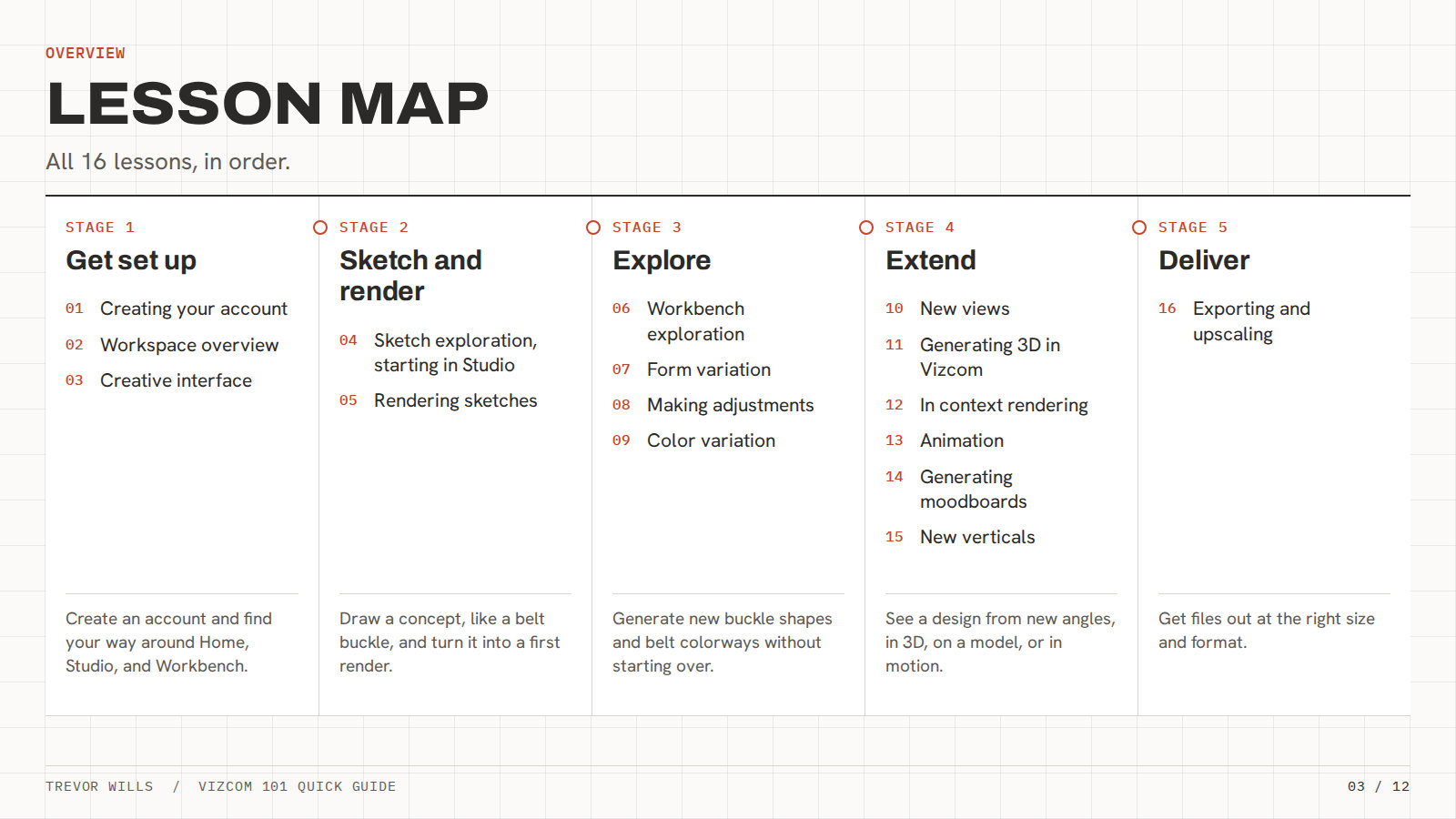
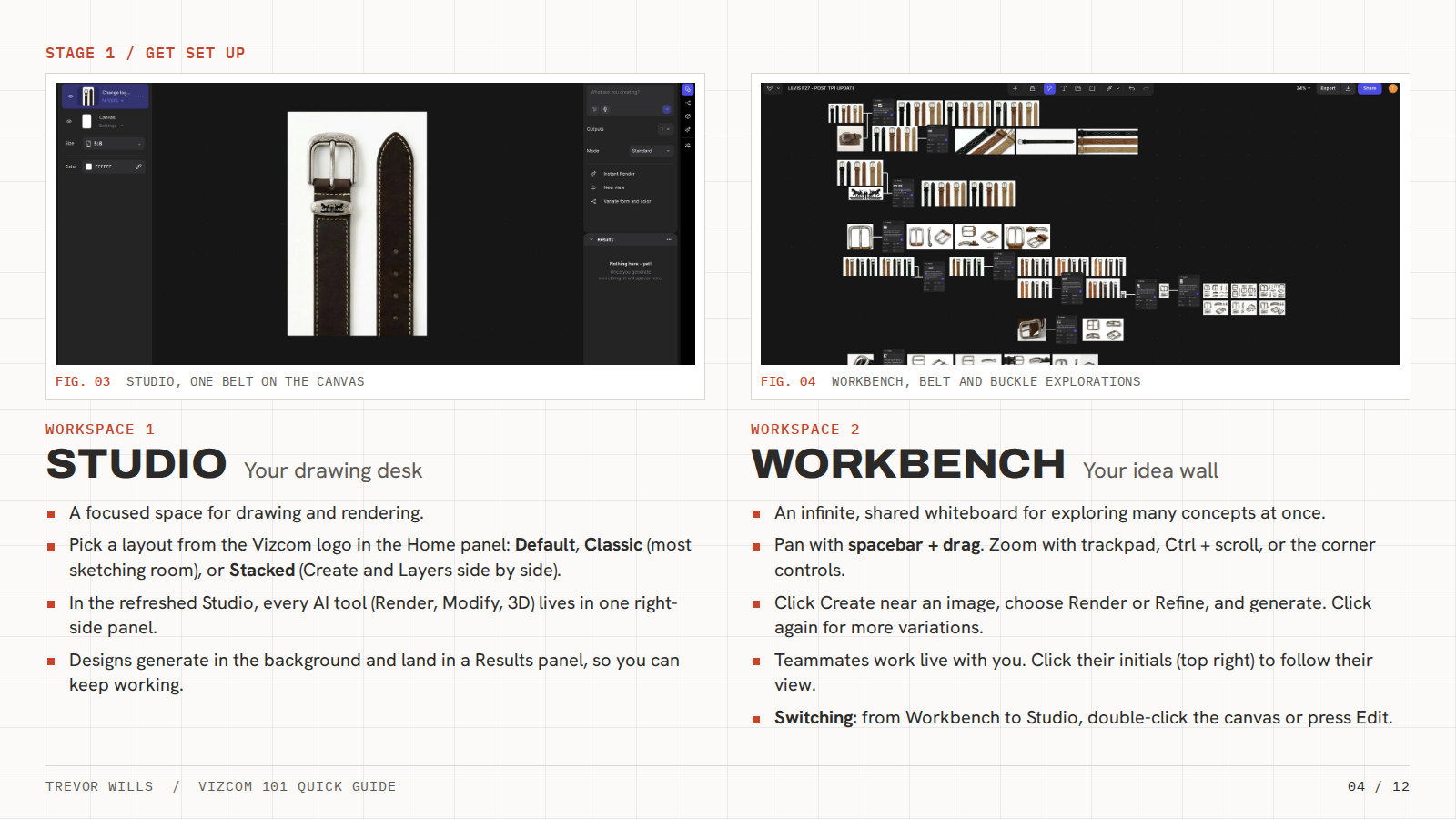
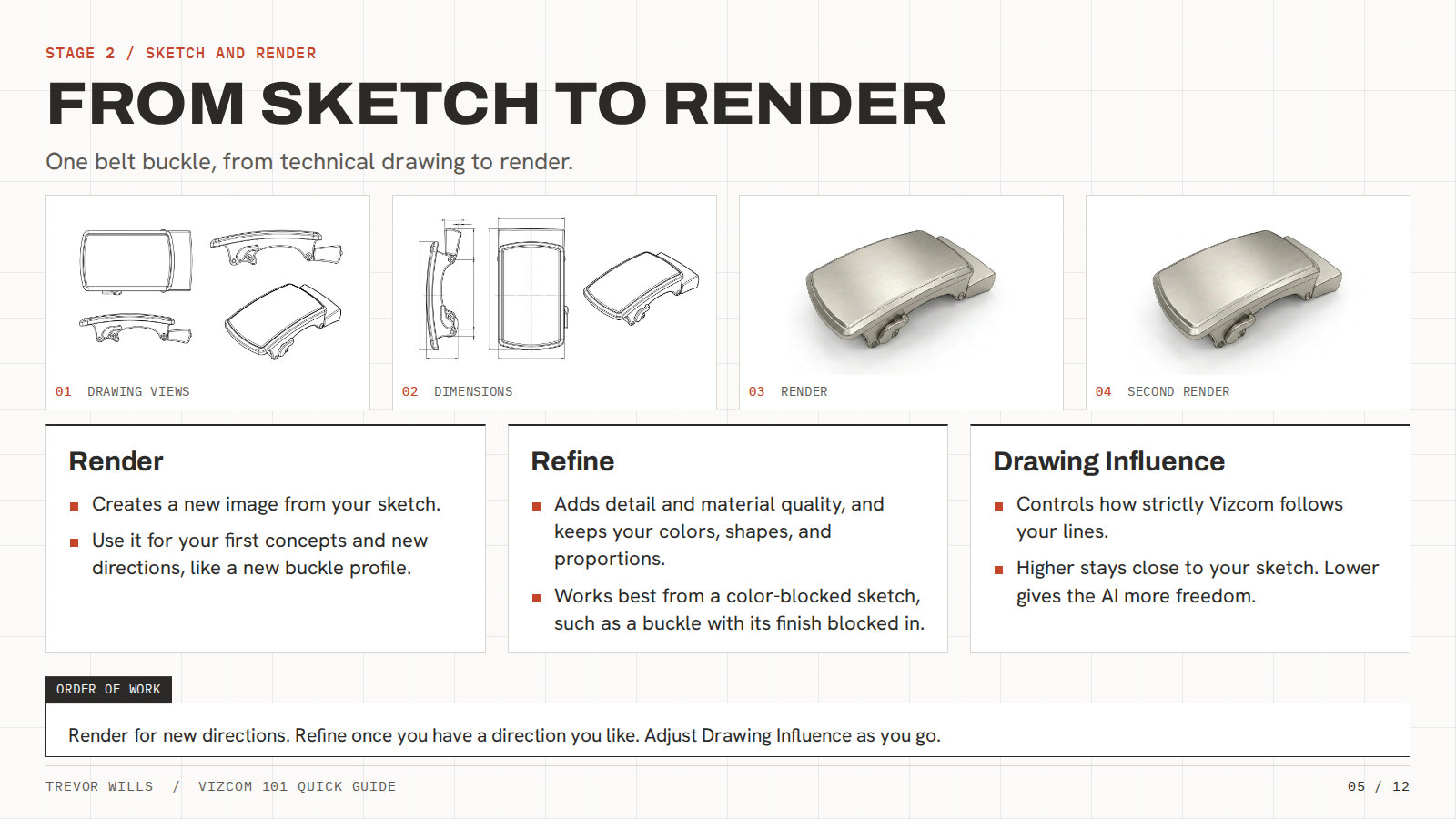
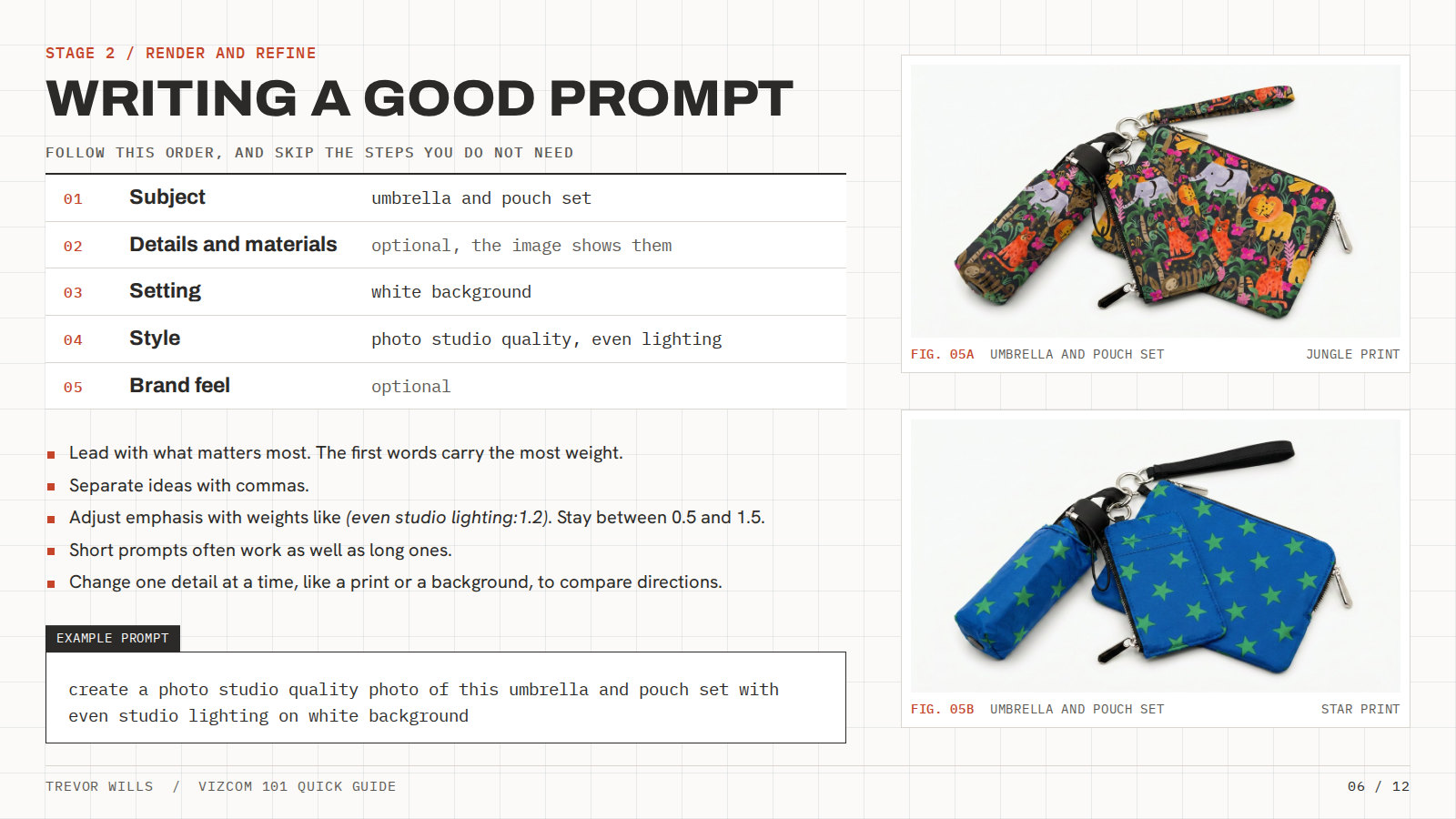
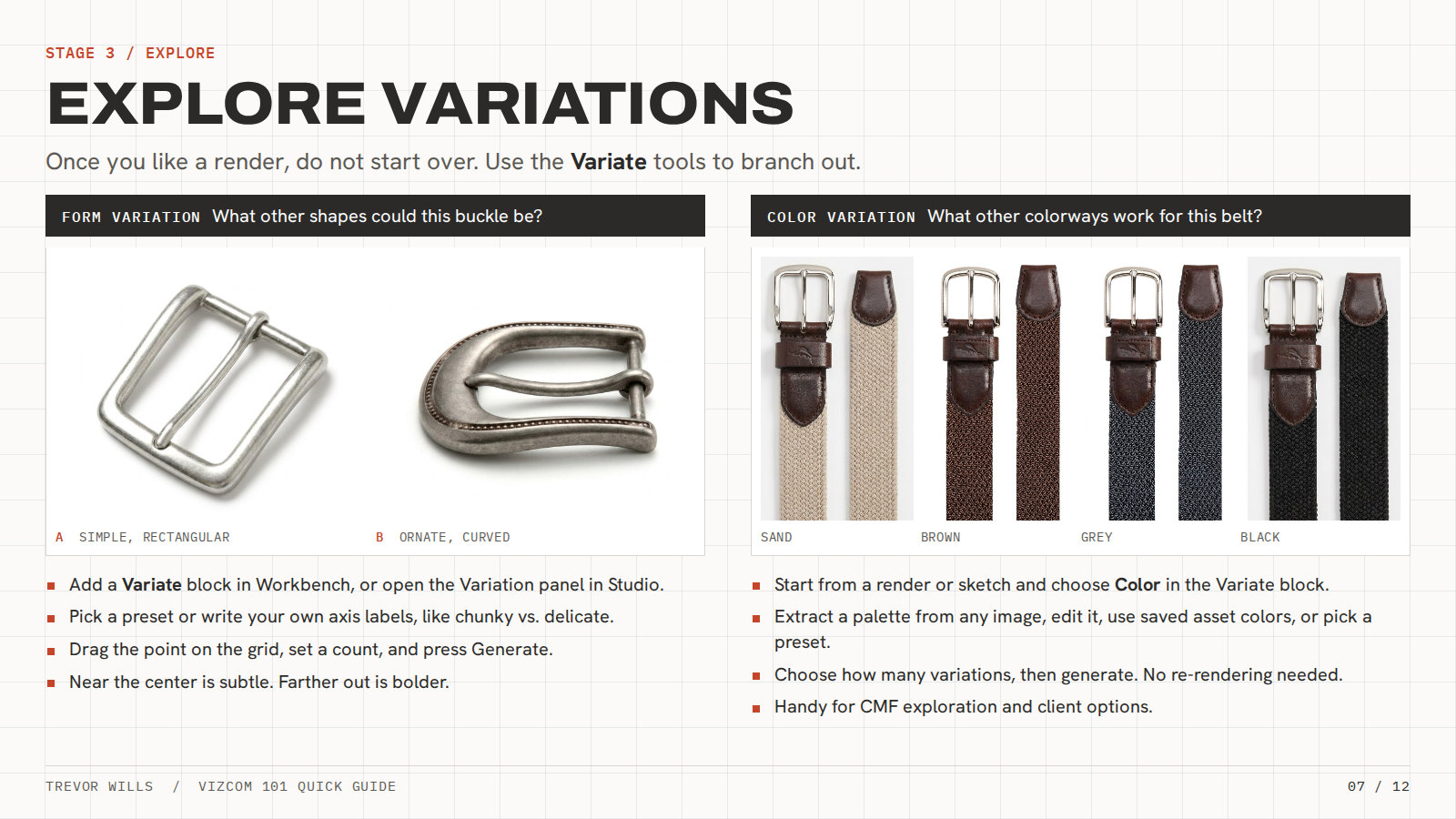
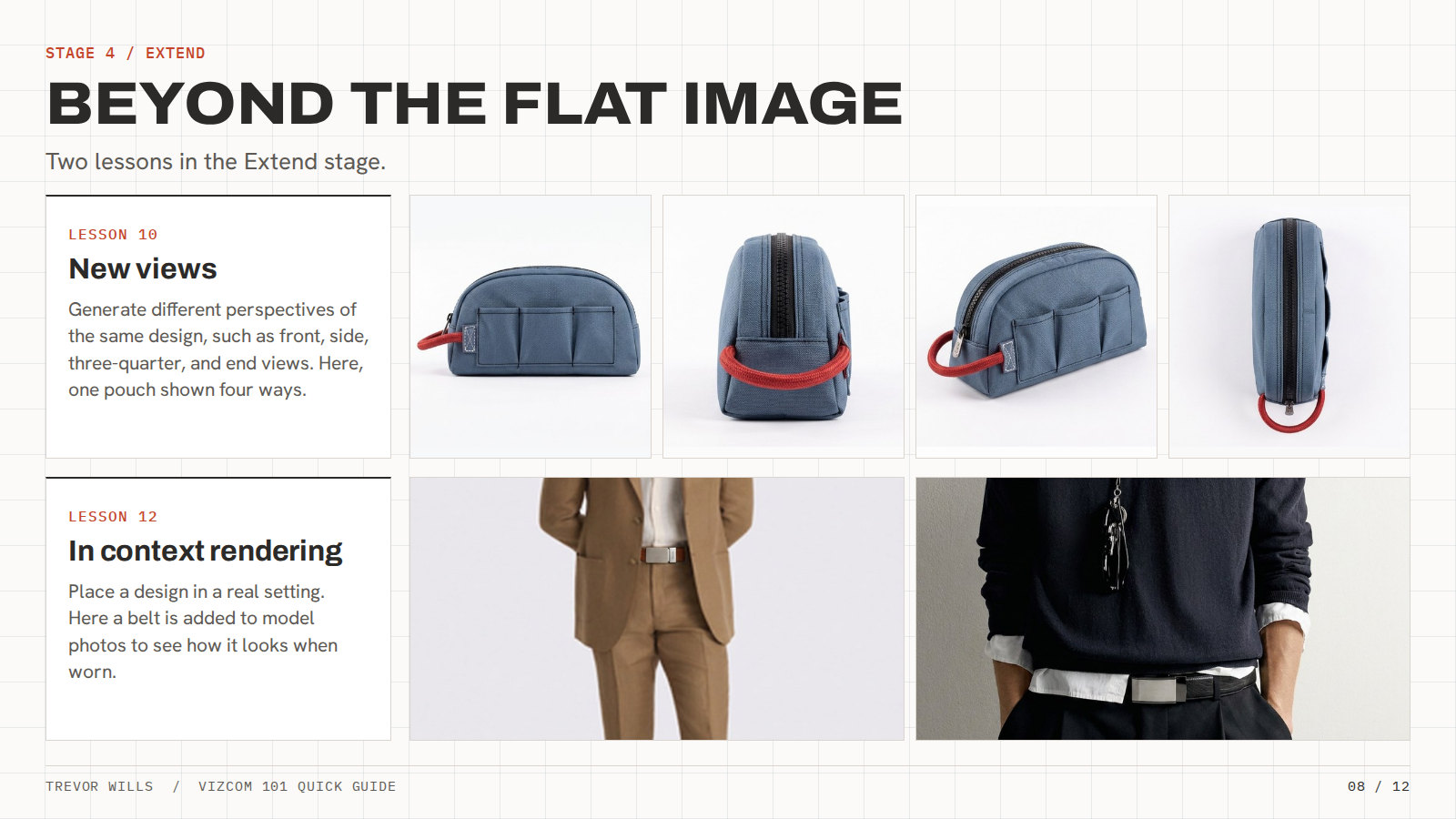
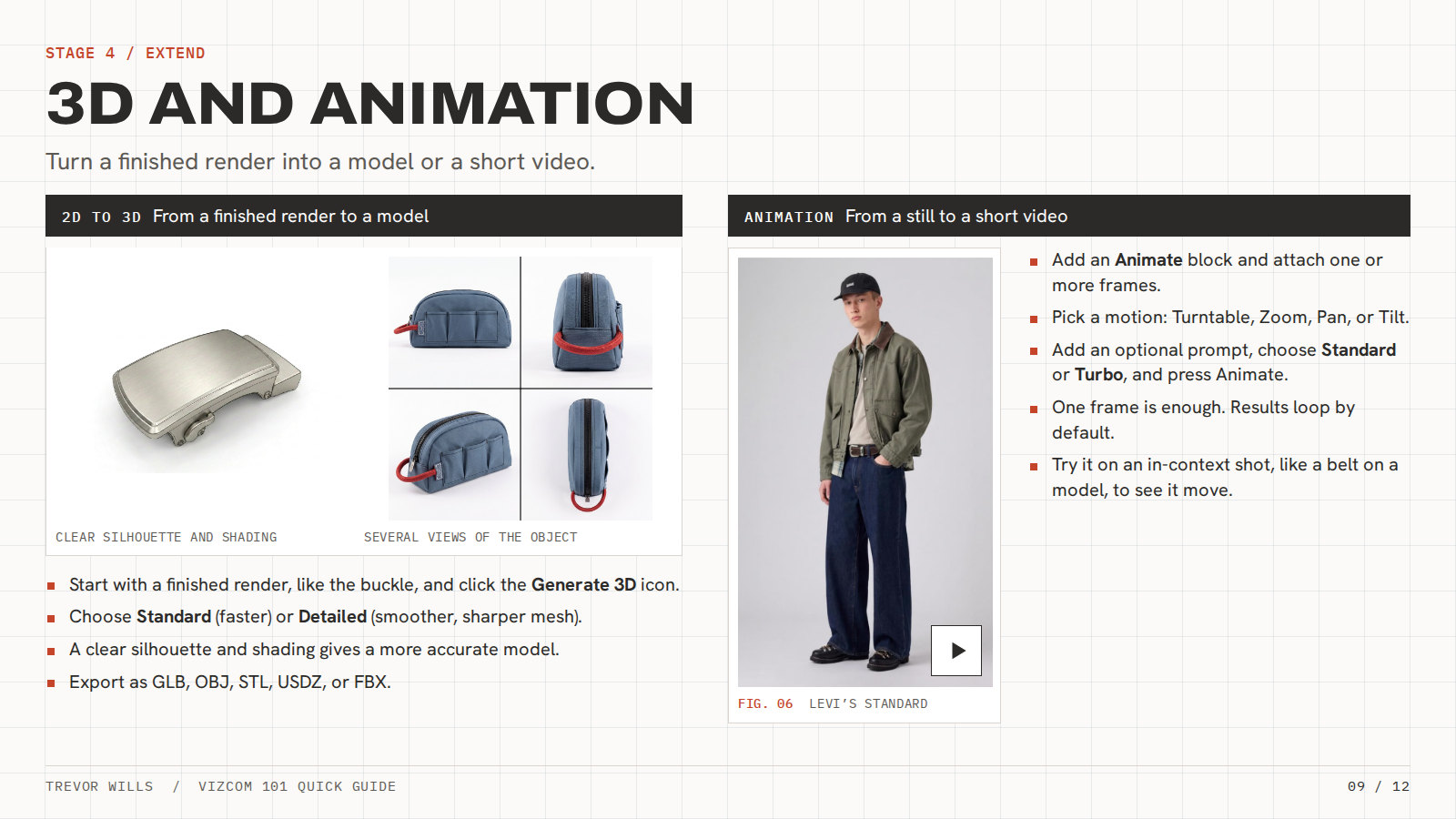
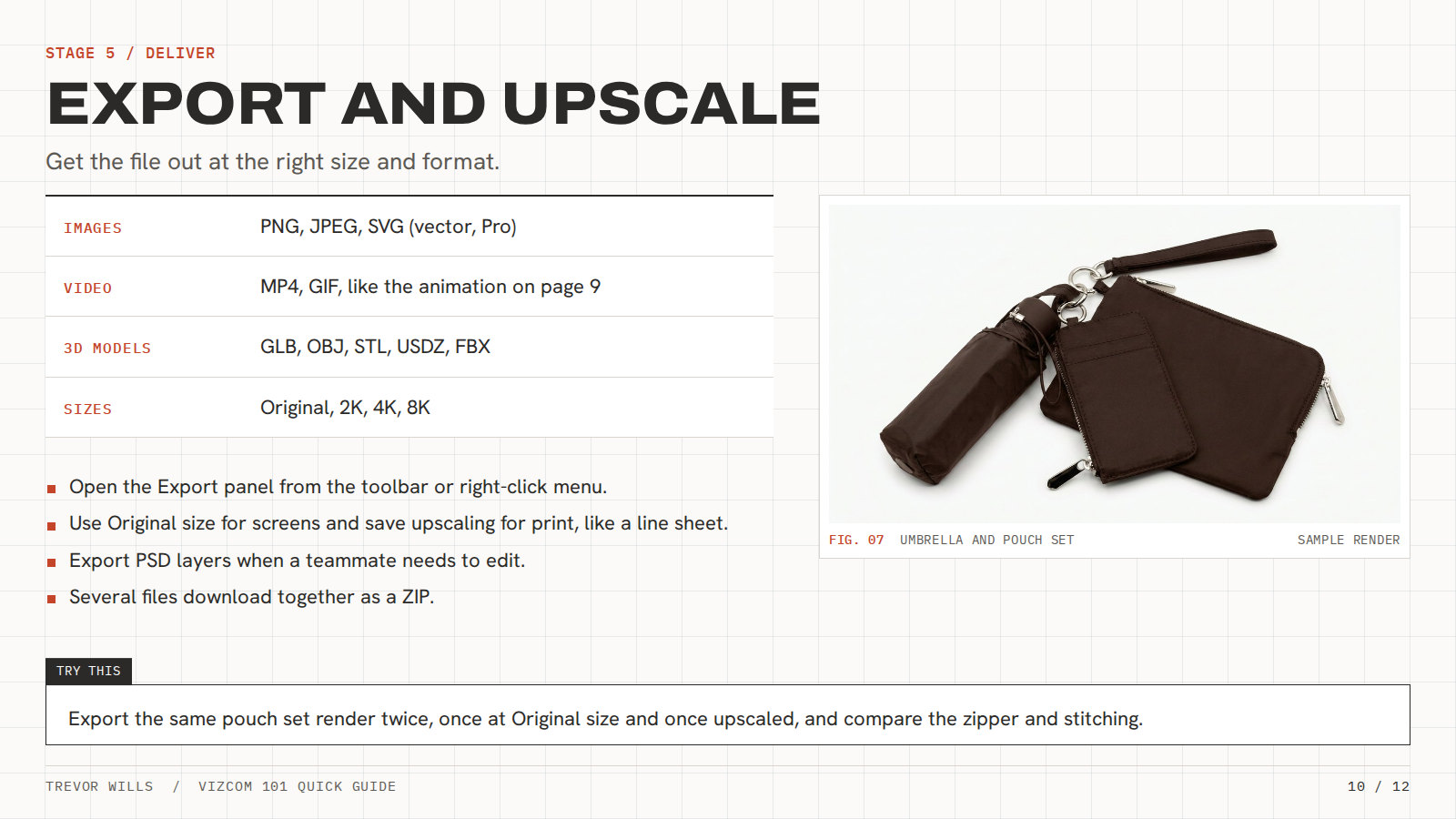
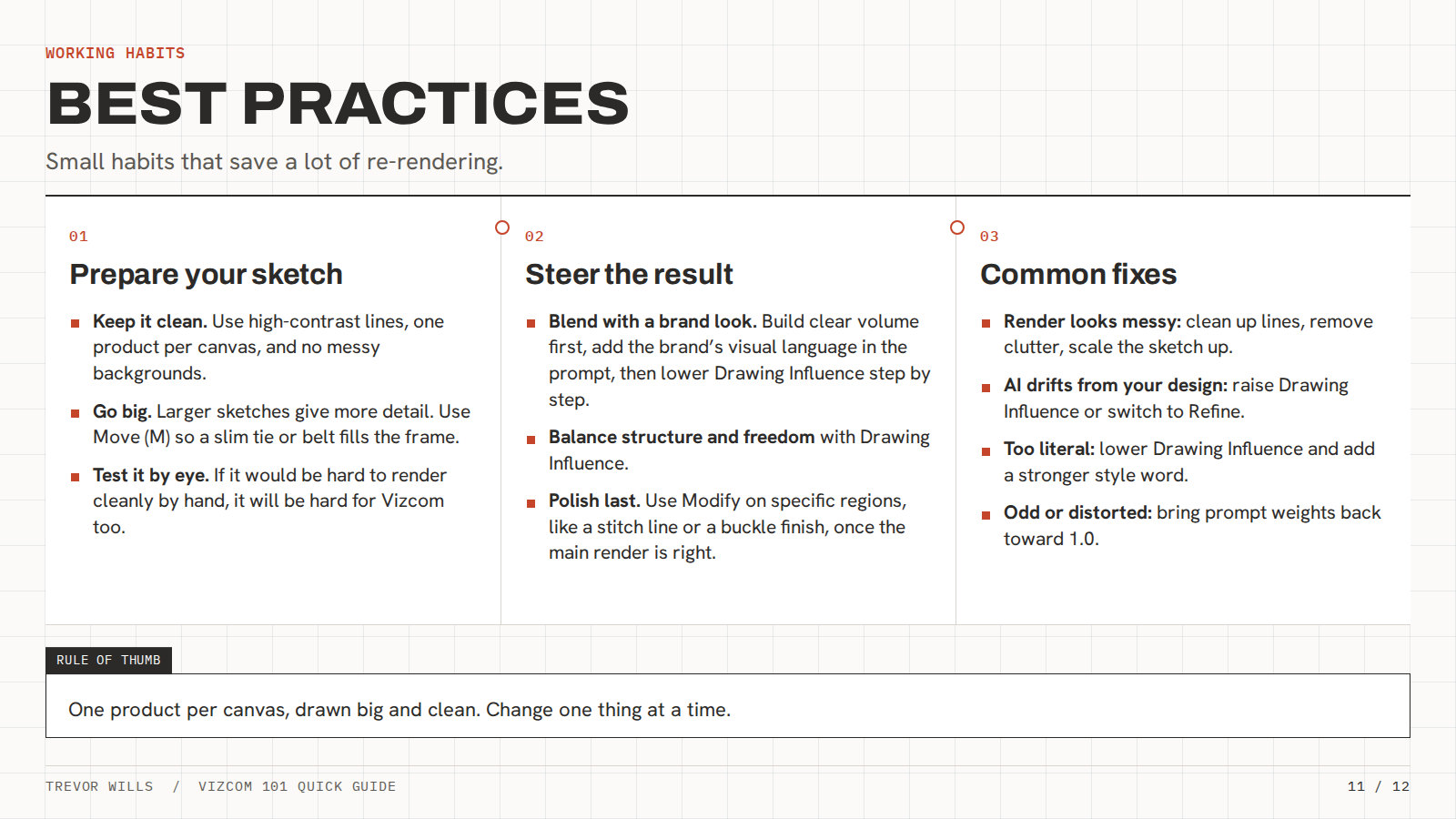
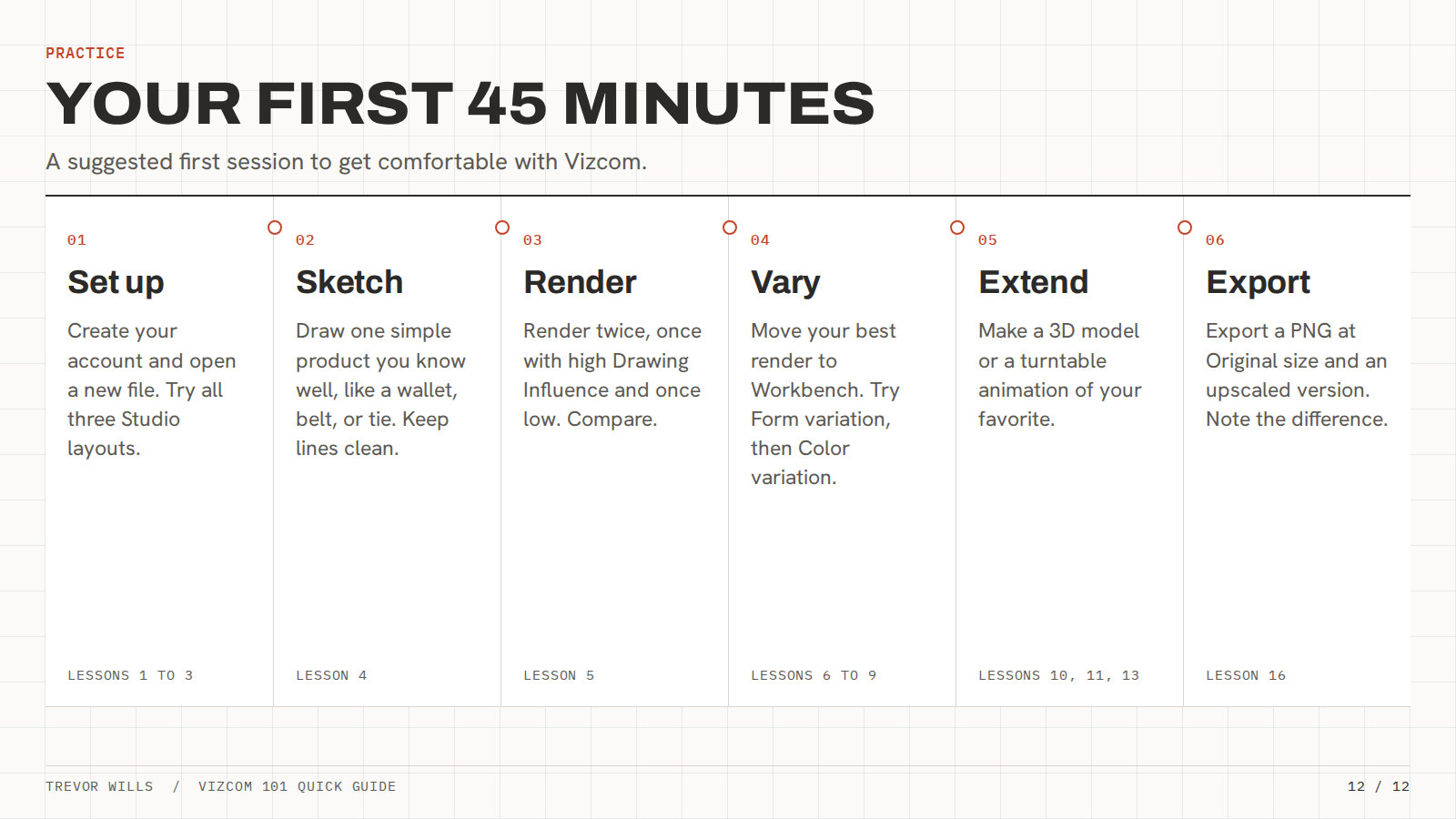
Vizcom 101 quick guide
Training that kept going
After launch, I ran a training session every other Friday on new processes, tips and prompting, across our AI tools, Miro and other design platforms. I shared reusable prompt structures and reference image sets in a Teams channel where people asked questions and posted what they learned.
Adoption detailThe five signals I used to track adoption
How I tracked adoption
After the rollout I watched five signals to see whether people were really using the tools.
- 01
License seats
Checked which seats were in use and removed the ones that weren’t.
- 02
Training attendance
Watched who showed up to the Friday sessions.
- 03
Work in reviews
Looked for AI work showing up in design reviews.
- 04
Power users
Heard from power users where people were getting stuck.
- 05
Teams channel
Followed the questions and tips people posted.
AI in the design process
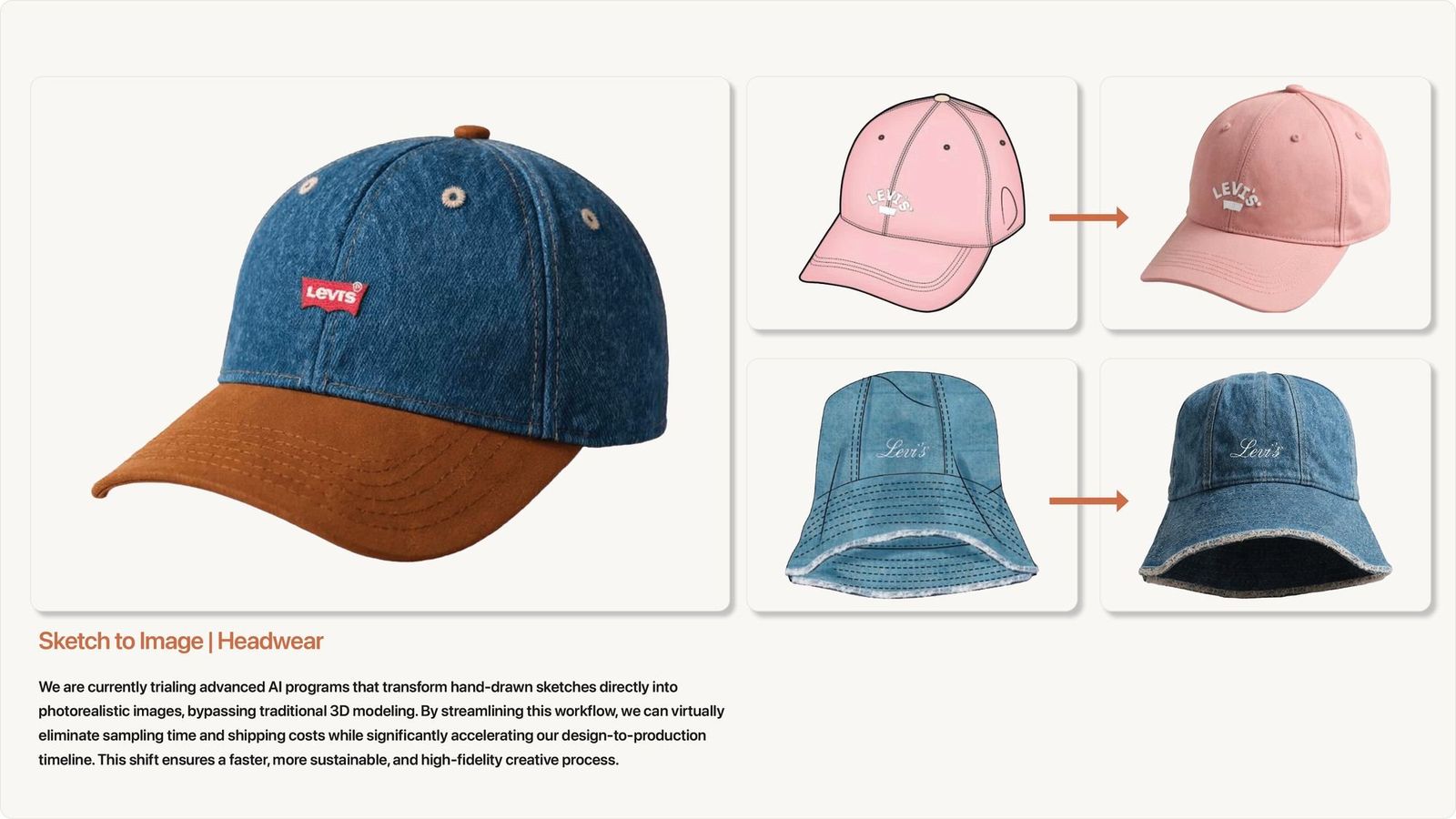
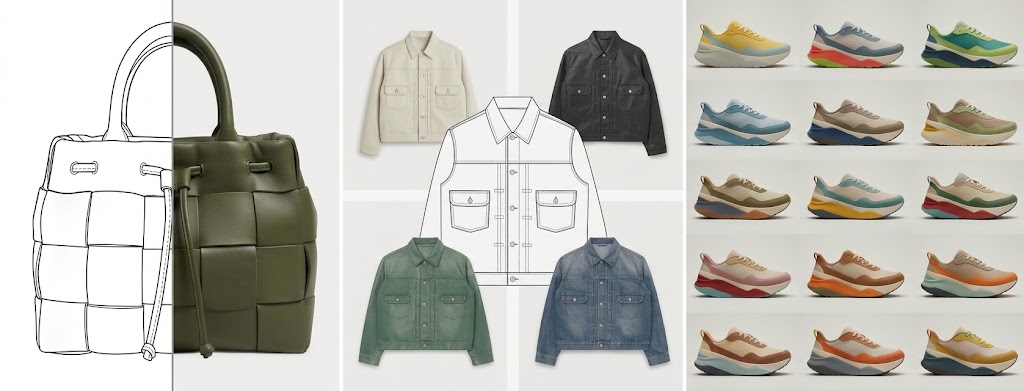
The team used AI in trend research, concept ideation and design. Our sketch-to-image trials turned hand-drawn sketches directly into photorealistic concept images, a faster way to review ideas before committing to a physical sample.
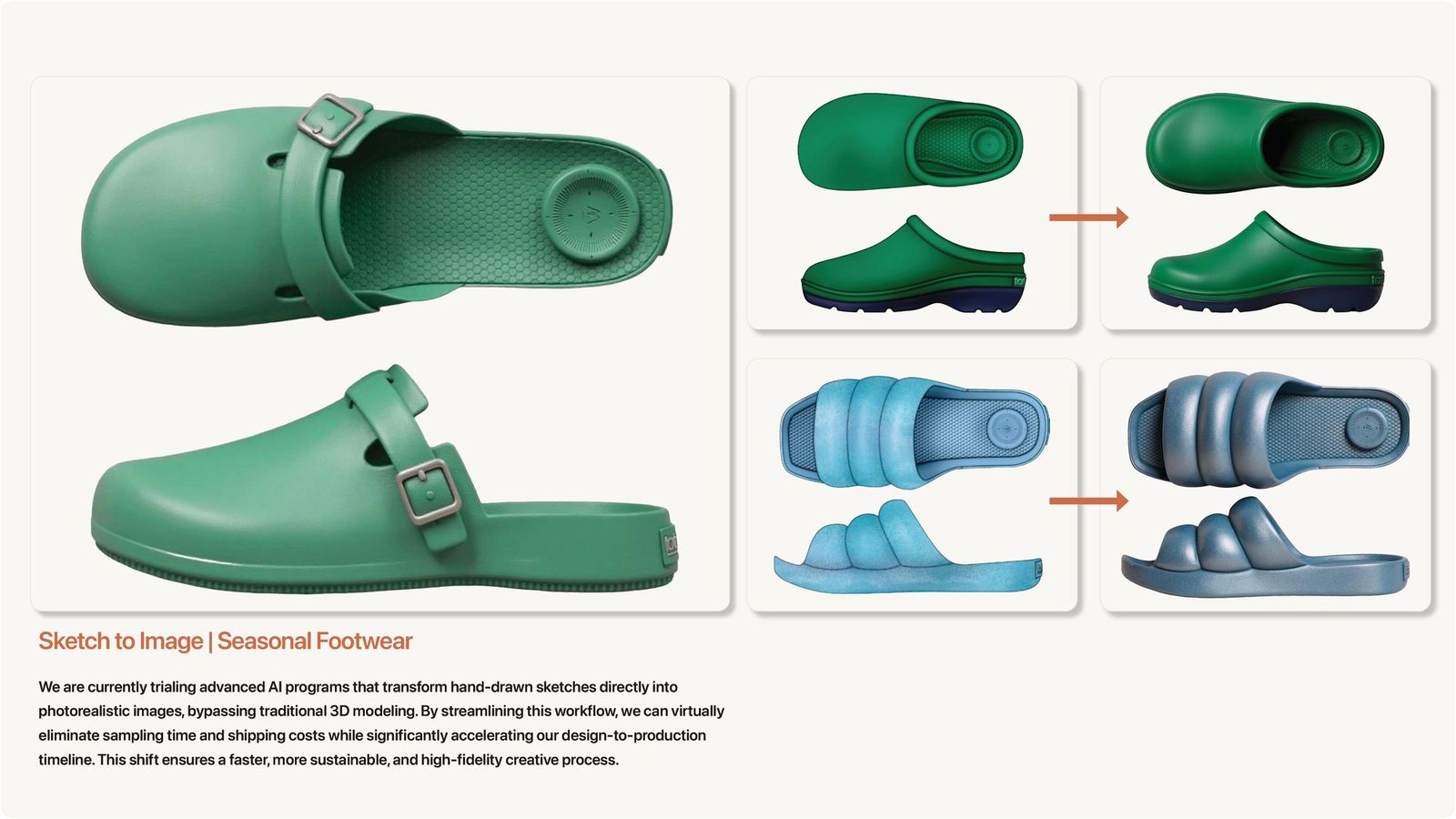
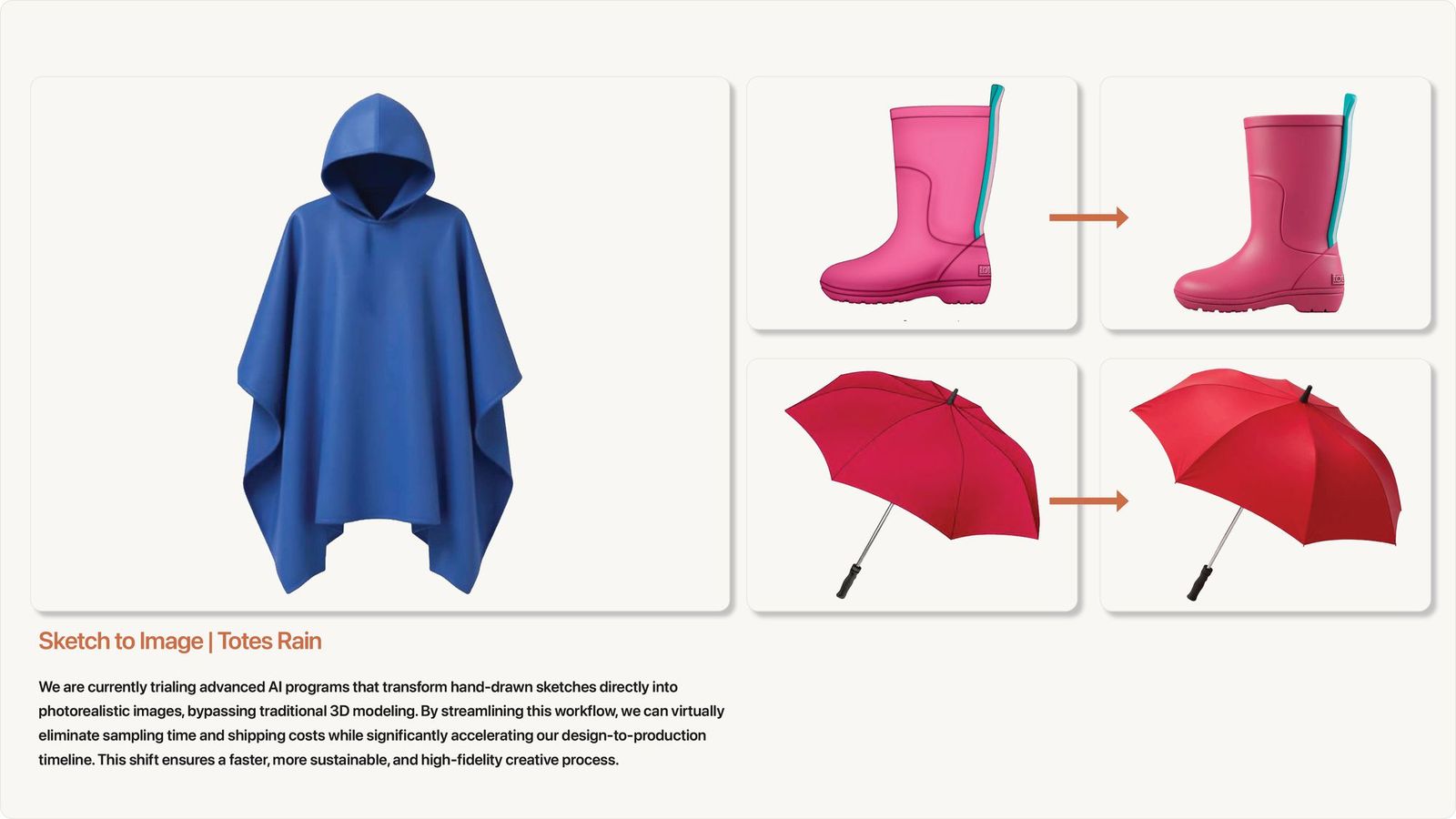
Renders generated by Raspberry AI, from sketches I provided during our platform evaluation.
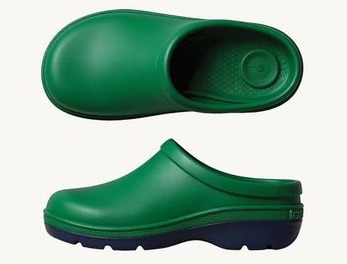
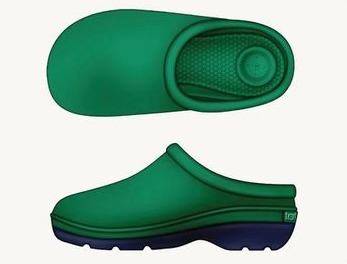
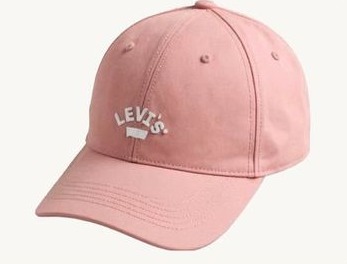
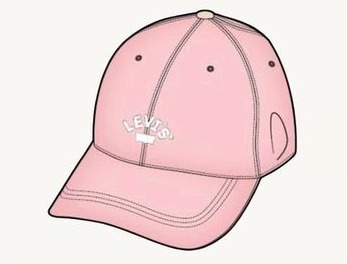


Drag each divider to go from sketch to render.
Early results
In our early use, we were able to design and tech pack samples at twice the speed of our standard process. The realistic AI images also gave factories a clearer picture of the design, so they could develop more accurate samples and we needed less resampling overall.
MethodHow it was measured
I ran the design and development calendar, so I compared output and pace on the AI workflow against our historical calendar. The resampling result comes from the sample rounds I saw and from factory feedback.
What changed
The team came out of it with a vetted platform, a governance-approved path for brand work, trained power users, and honest answers to what worried them most. AI became a normal part of trend research and concept work, with designers still making the calls.
I used the same approach in my own work on the trend site and the wallet strategy.