Setting Each Season’s Trend Direction
How I build a season’s trend direction from forecasting services, brand partner direction, real data and trend trips, then use AI to turn weeks of deck building into a living trend site built in days.
Built with AIClaude, Gemini and NotebookLM for report summaries, theme sorting, copy and the site build. See how
At a glance
Challenge
Trend direction lived in hand-built InDesign decks that took weeks and were hard to update.
What I did
Built each season from forecasting services, brand partner direction, analytics and trend trips, then used AI to turn it into a live trend site.
Result
DaysTo build the S/S 27 trend site, down from weeks. I then showed design teams around the world how to build their own.
Traditional mood boards and trend presentations
For years, our trend decks were built by hand in Photoshop and InDesign, one mood board, color story and material page at a time. They looked good, but they took weeks to make and were hard to update.
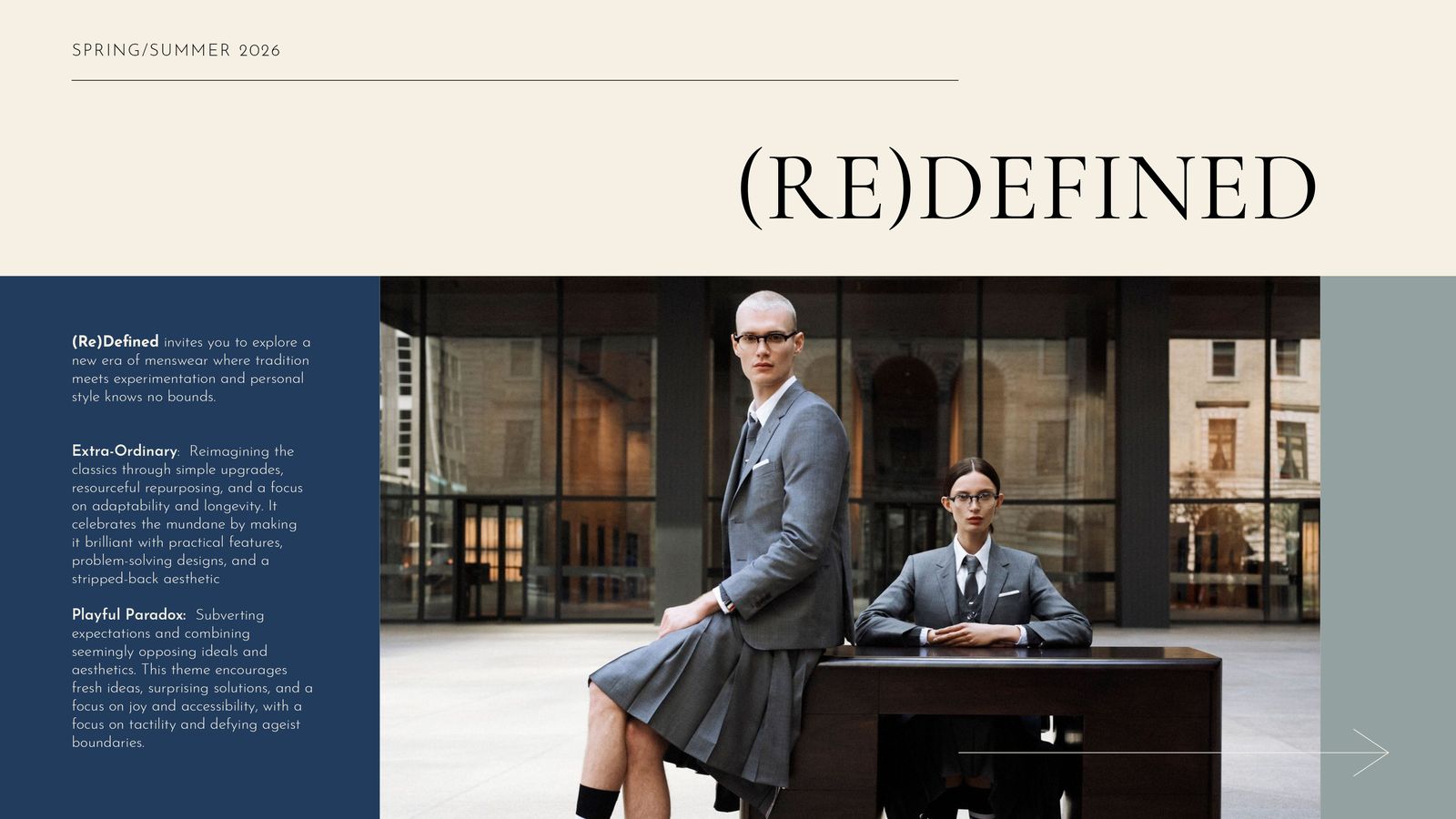
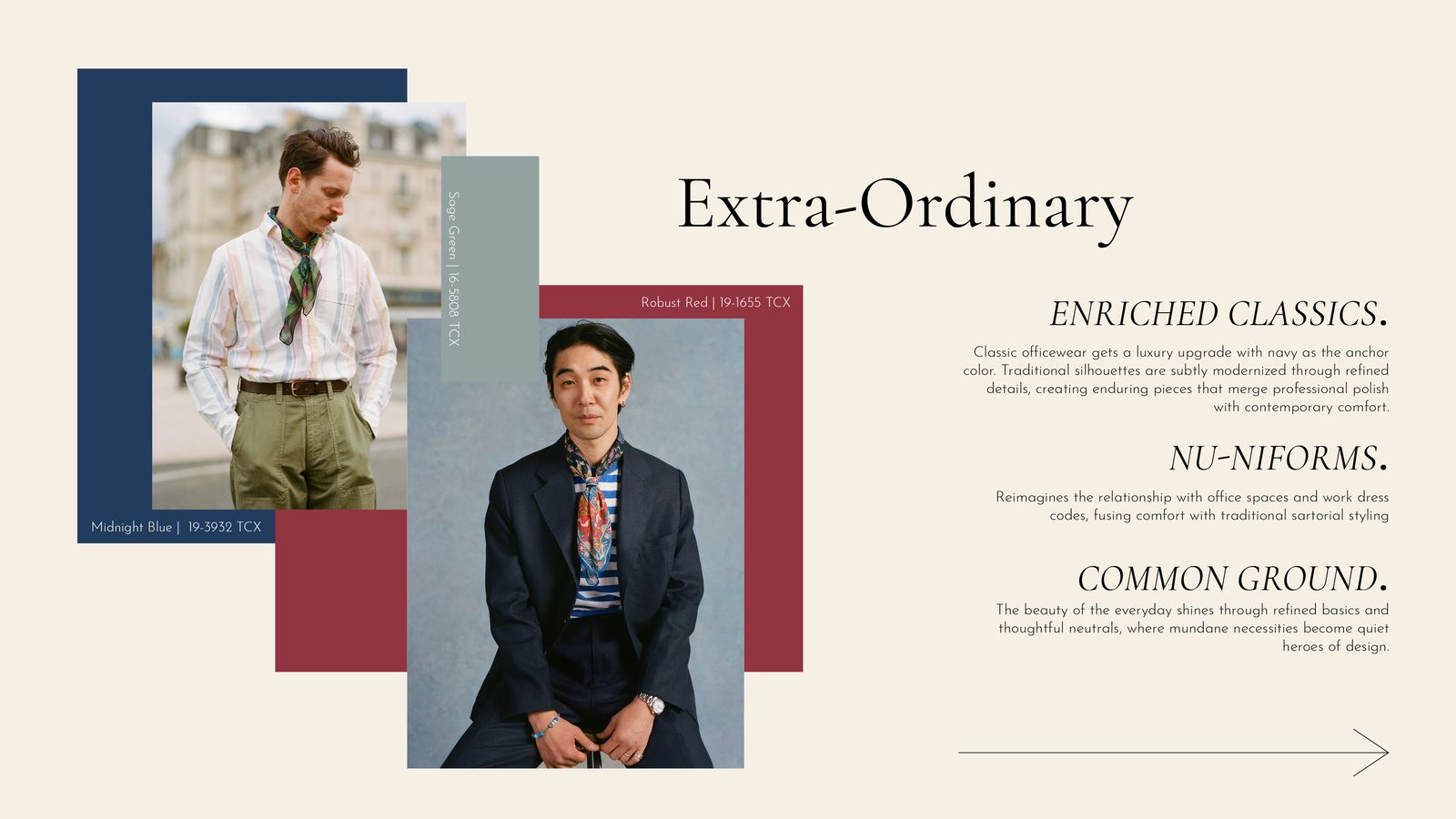
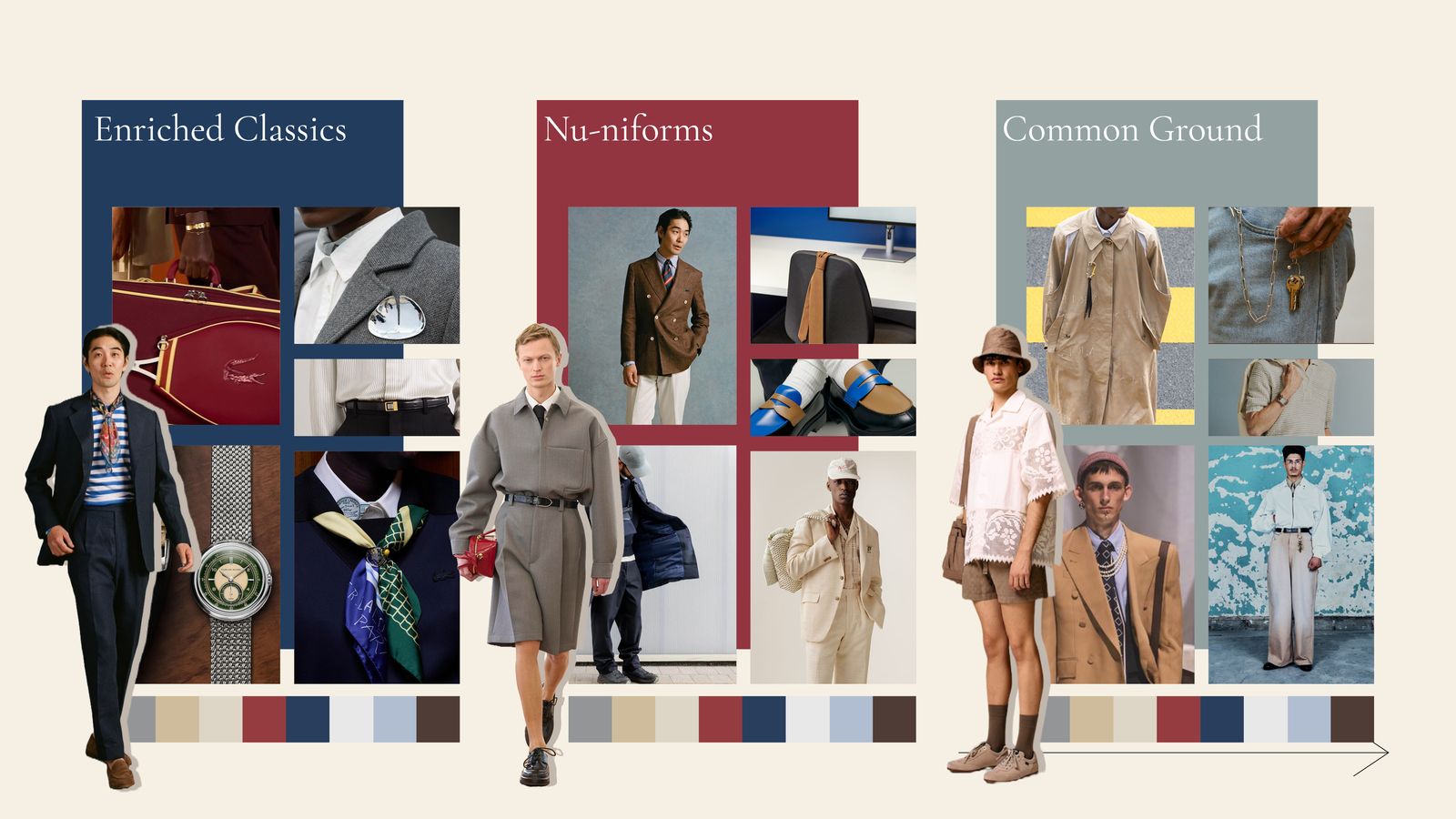
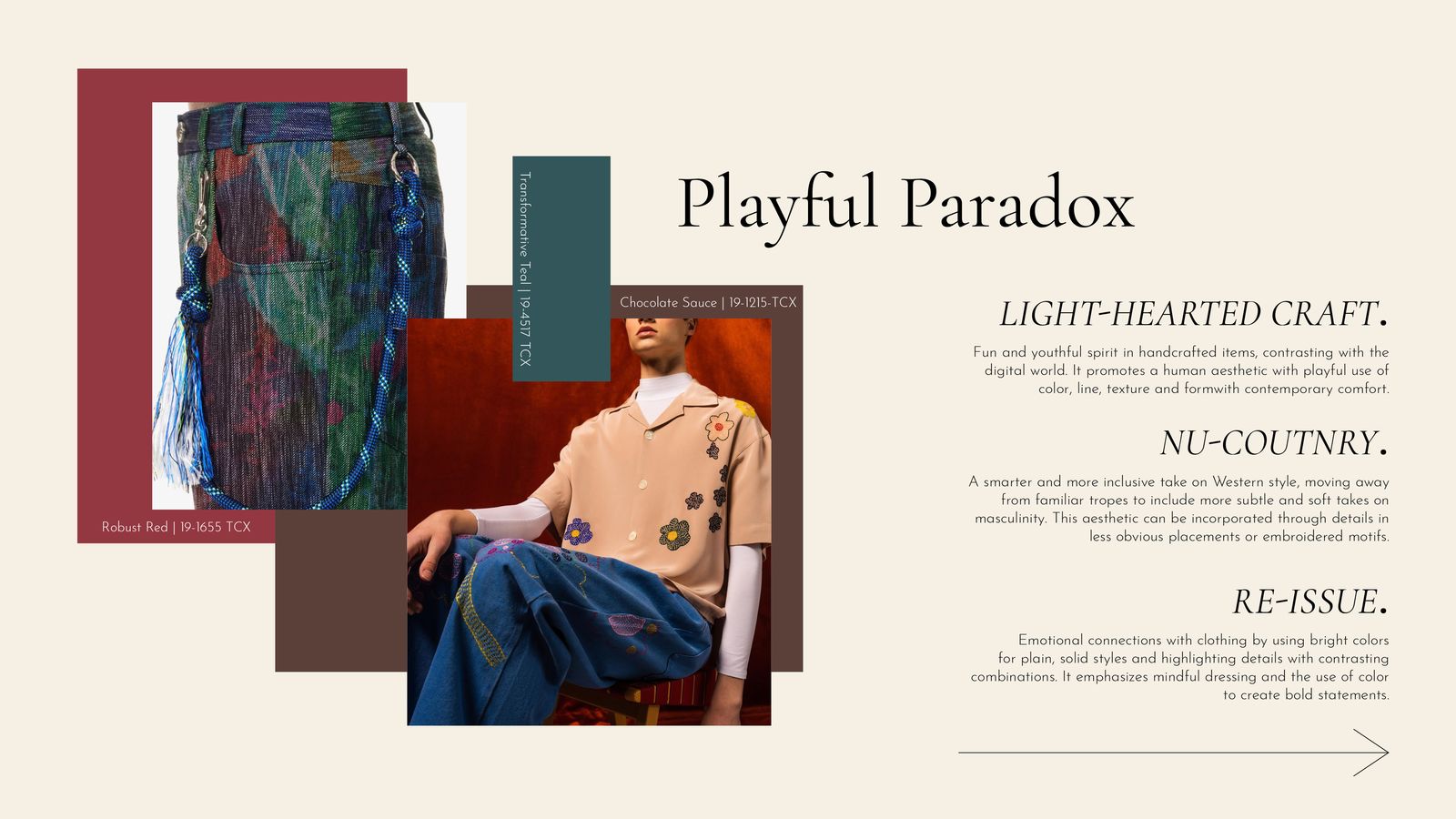
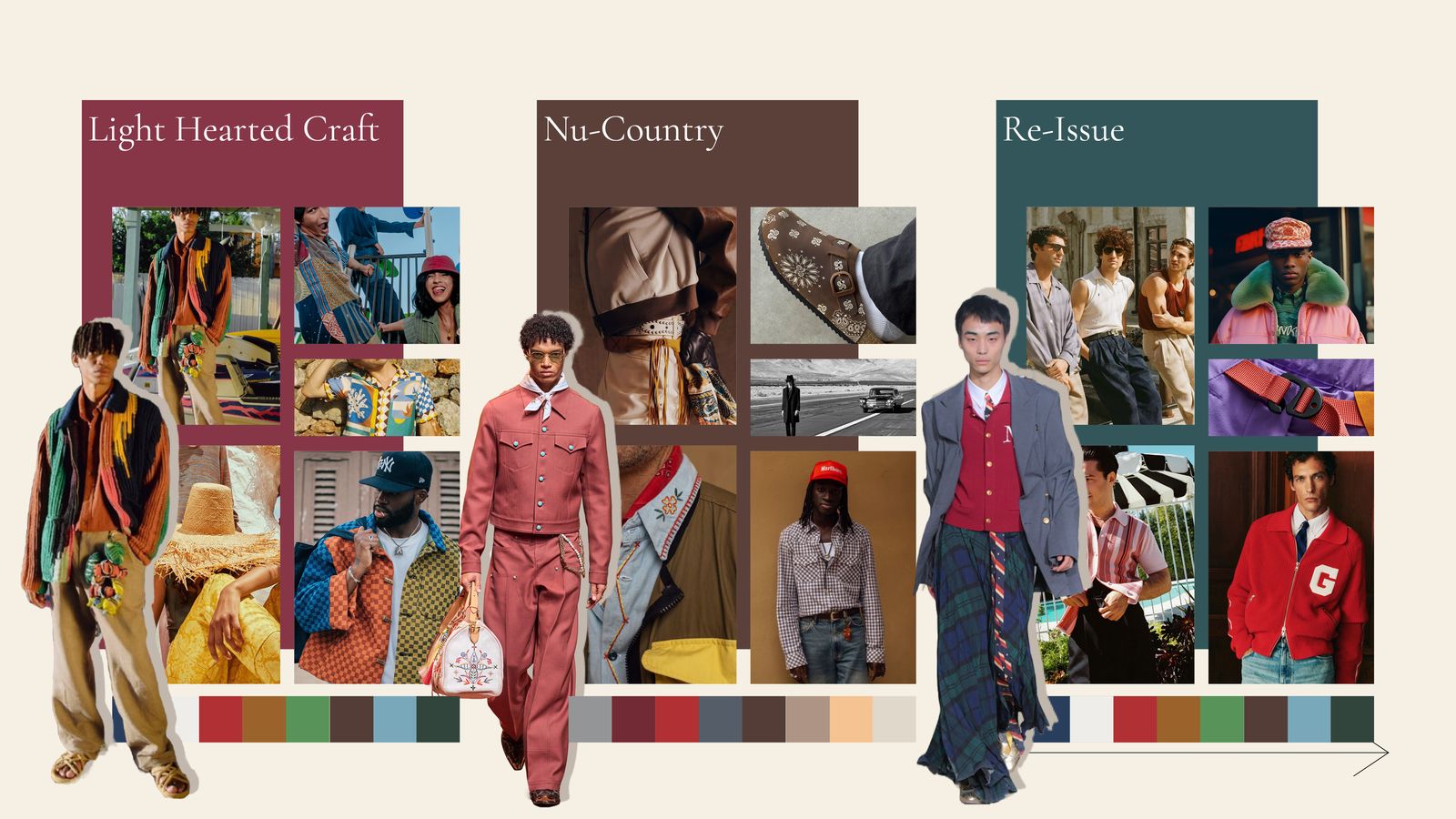
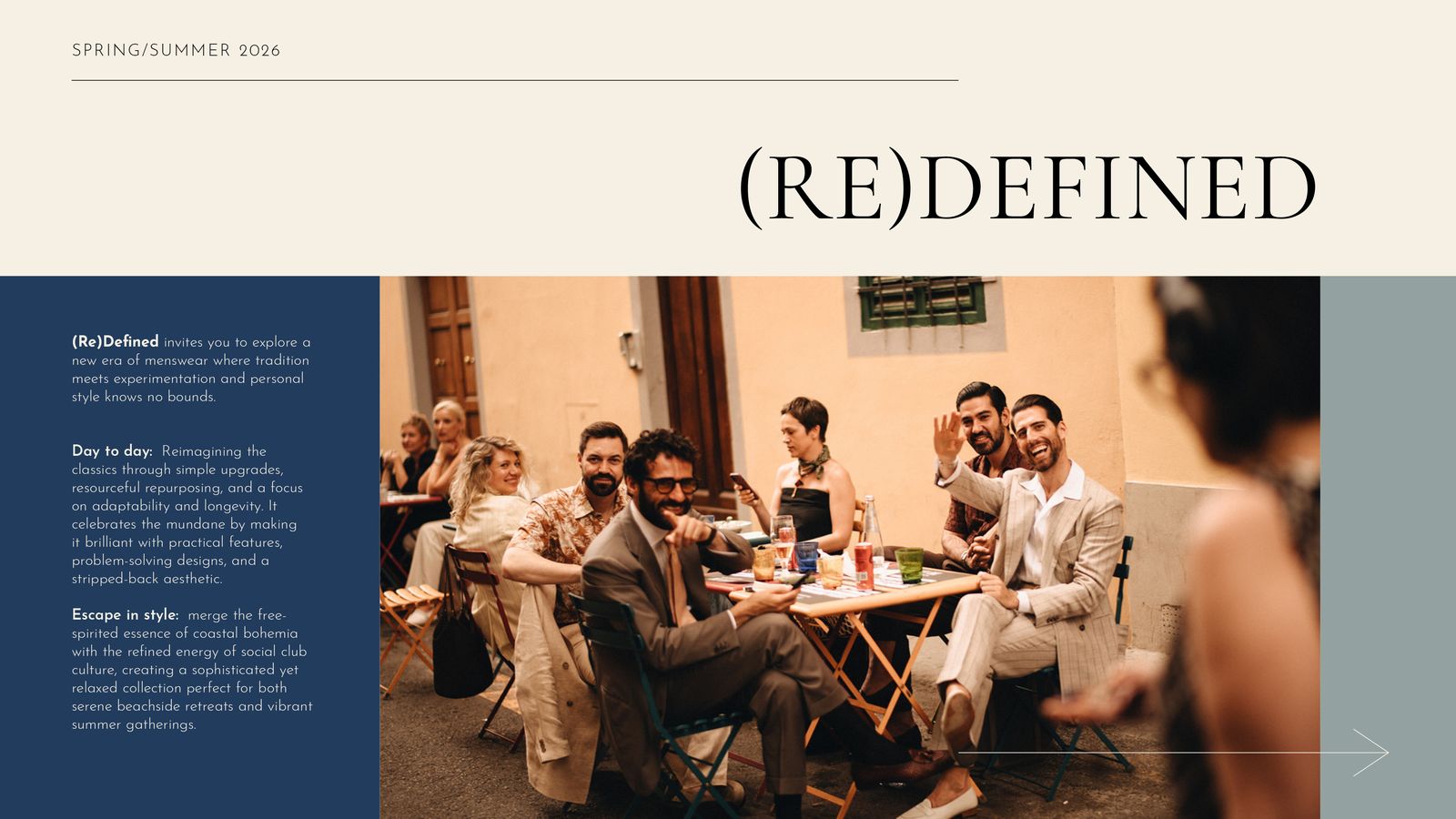
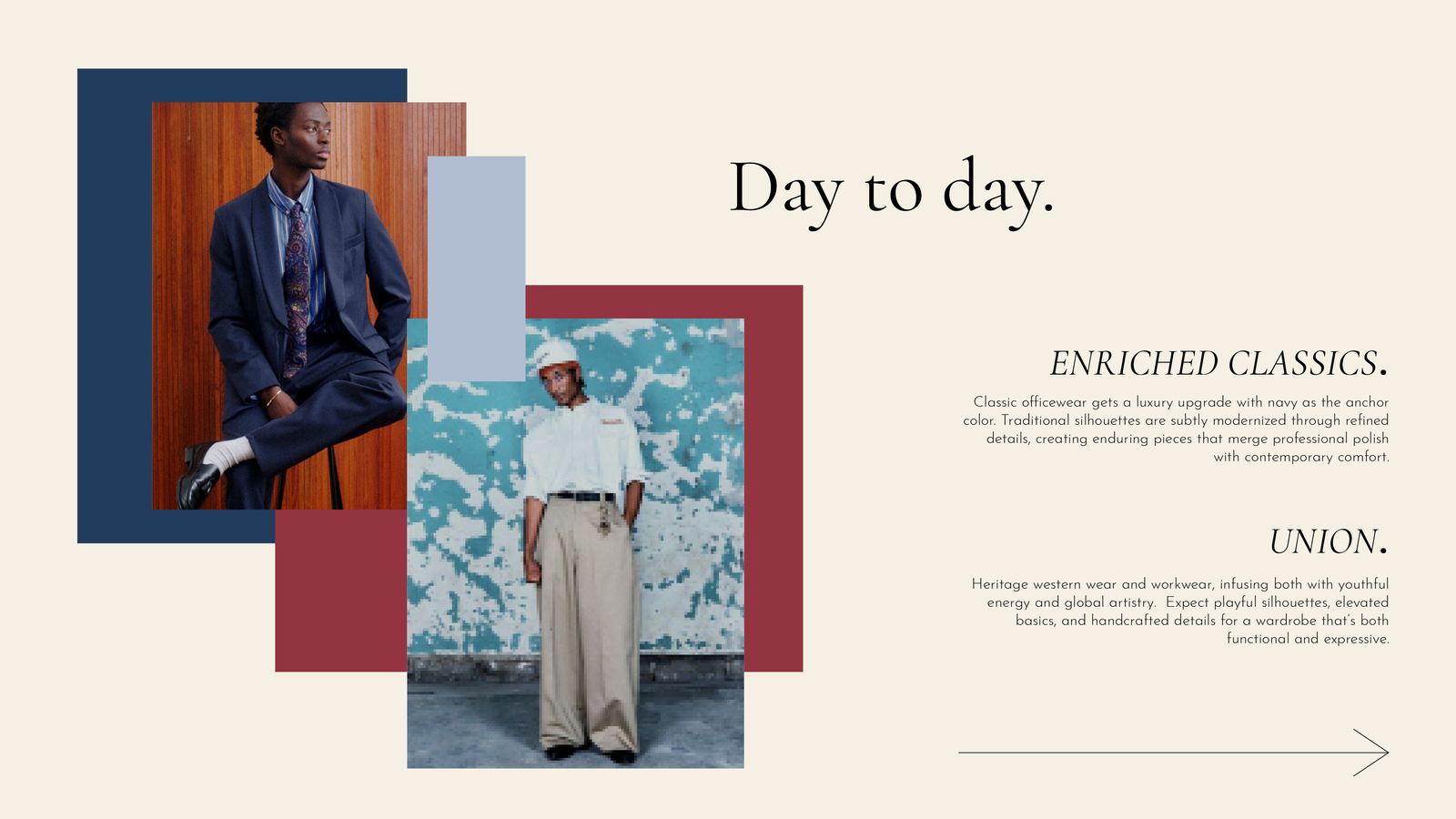
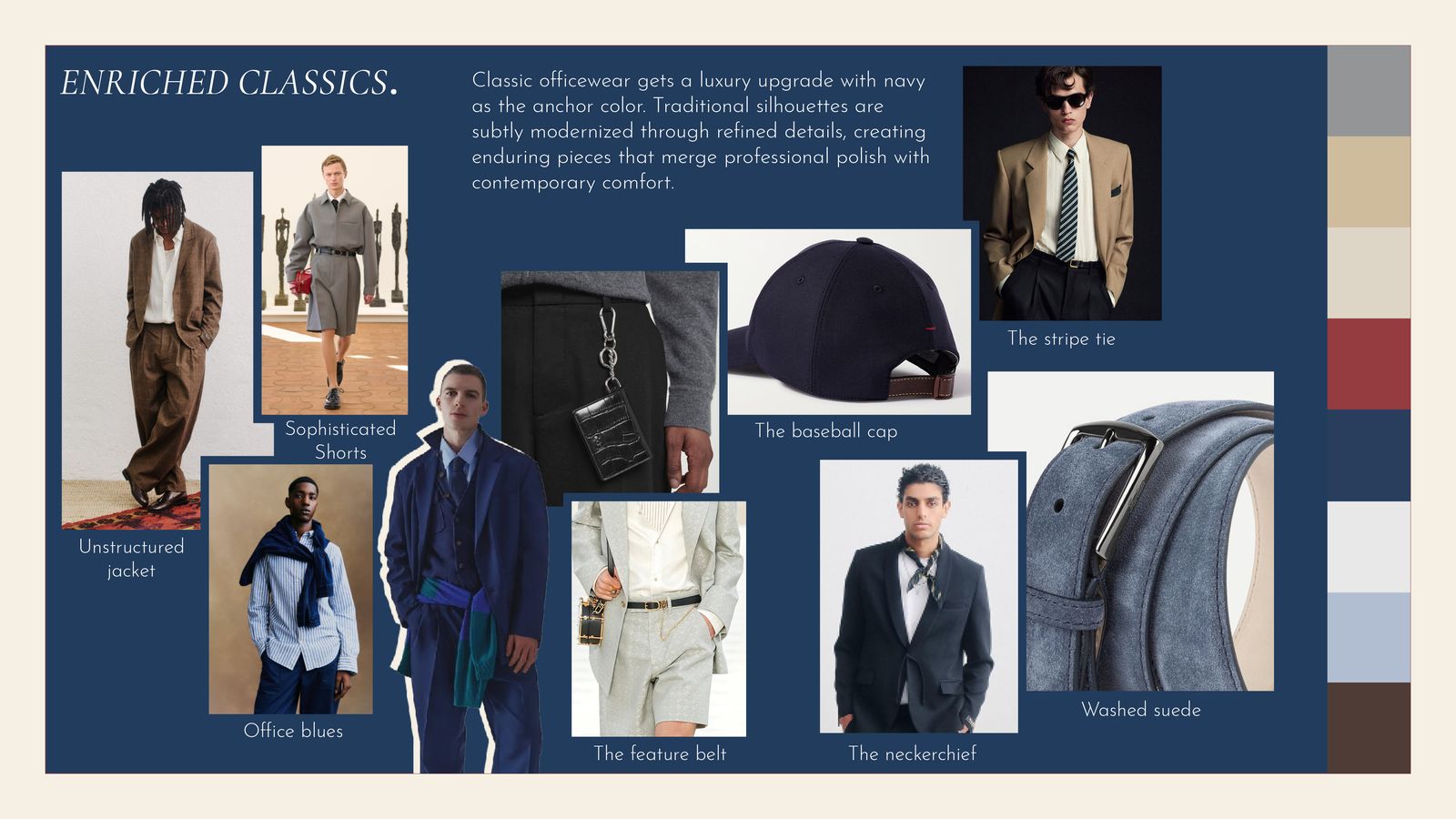
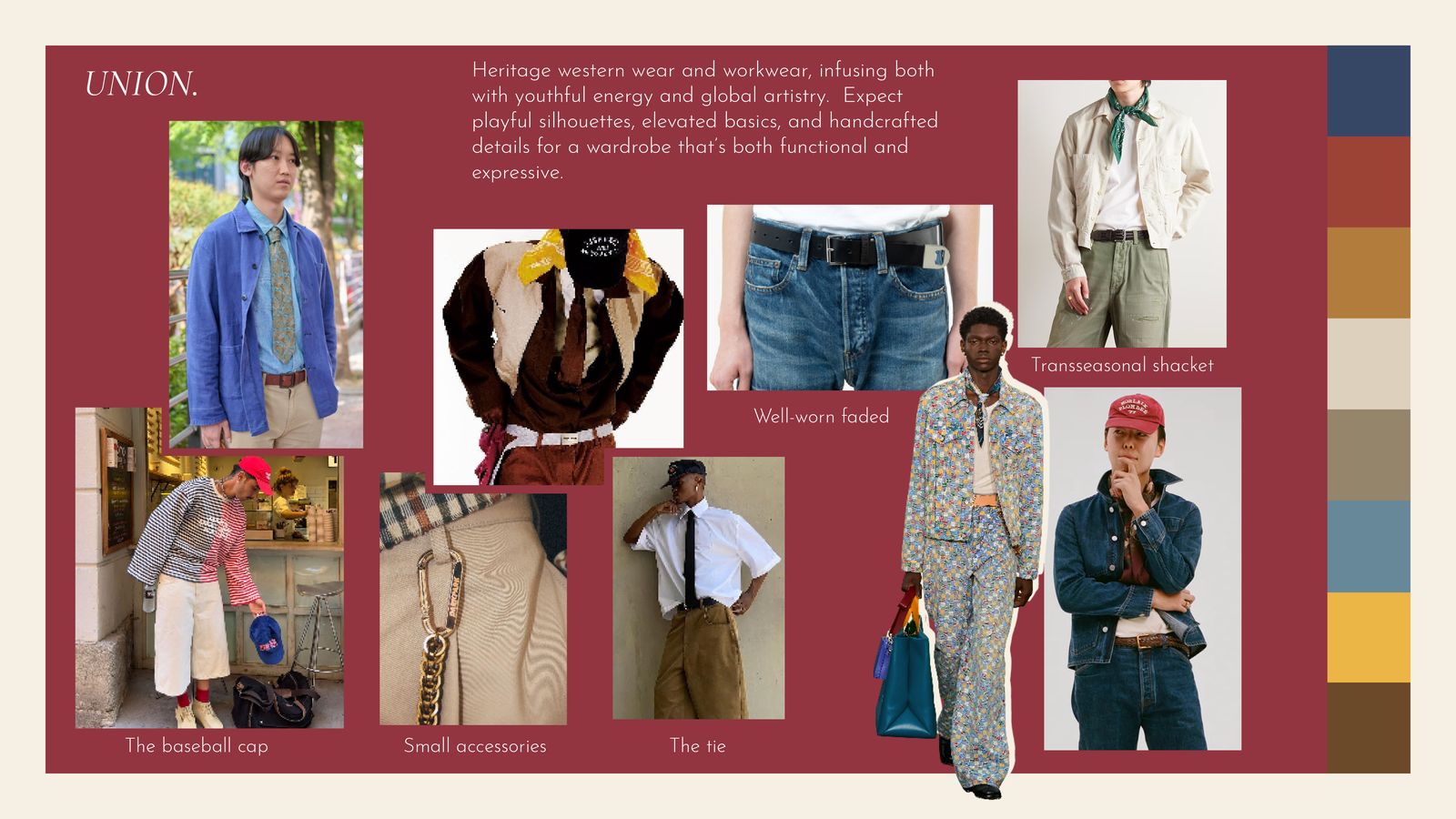
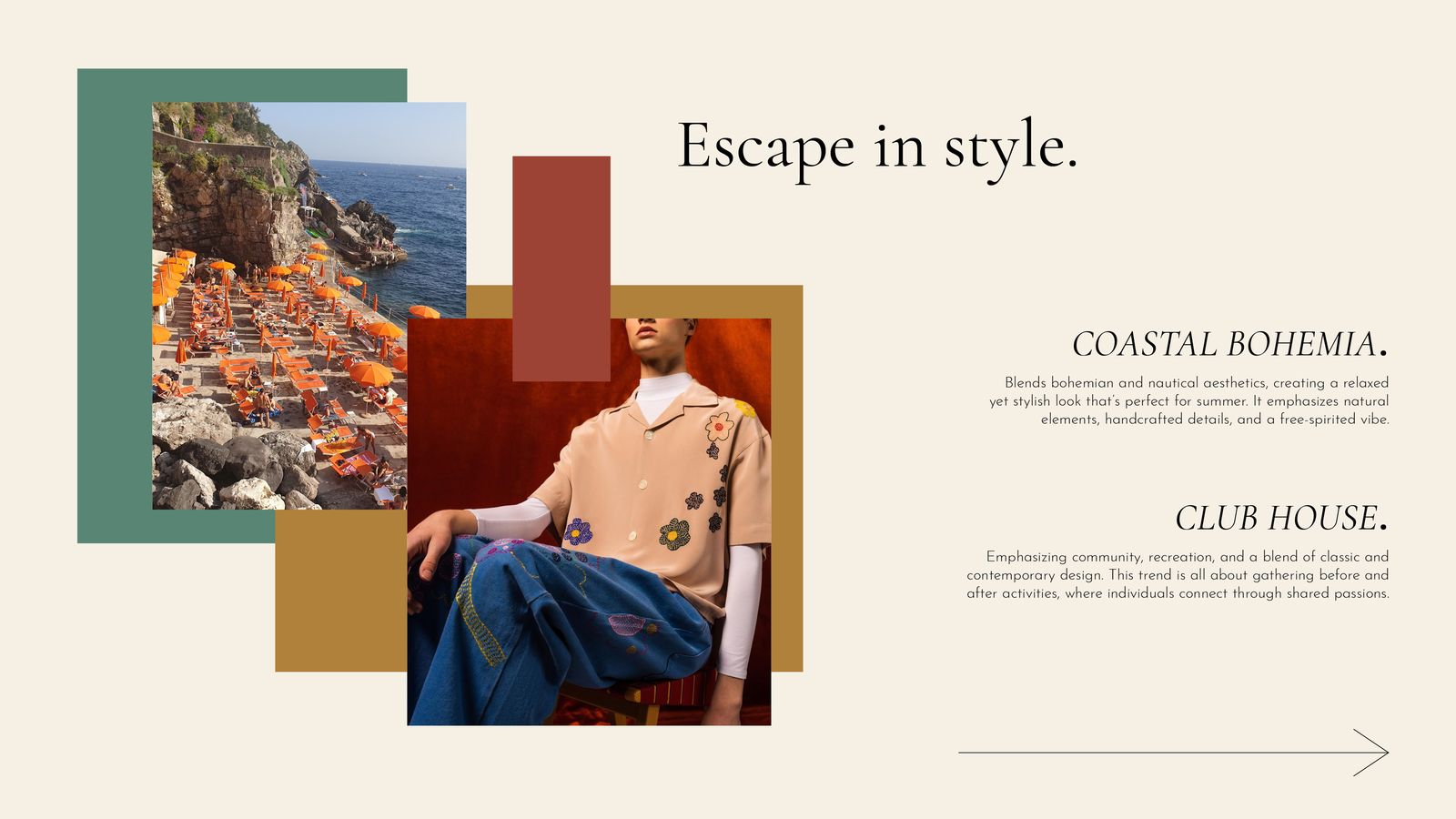
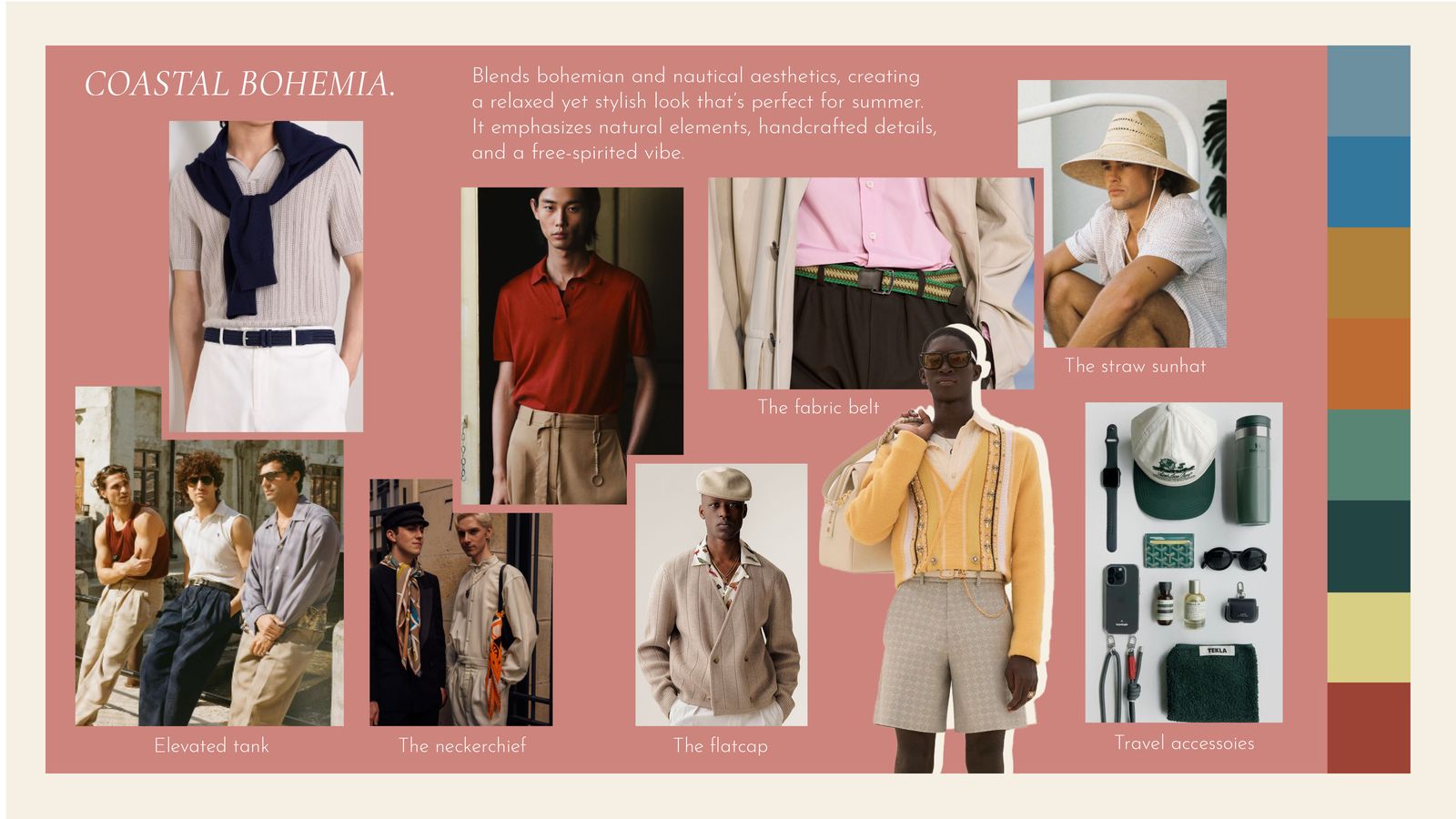
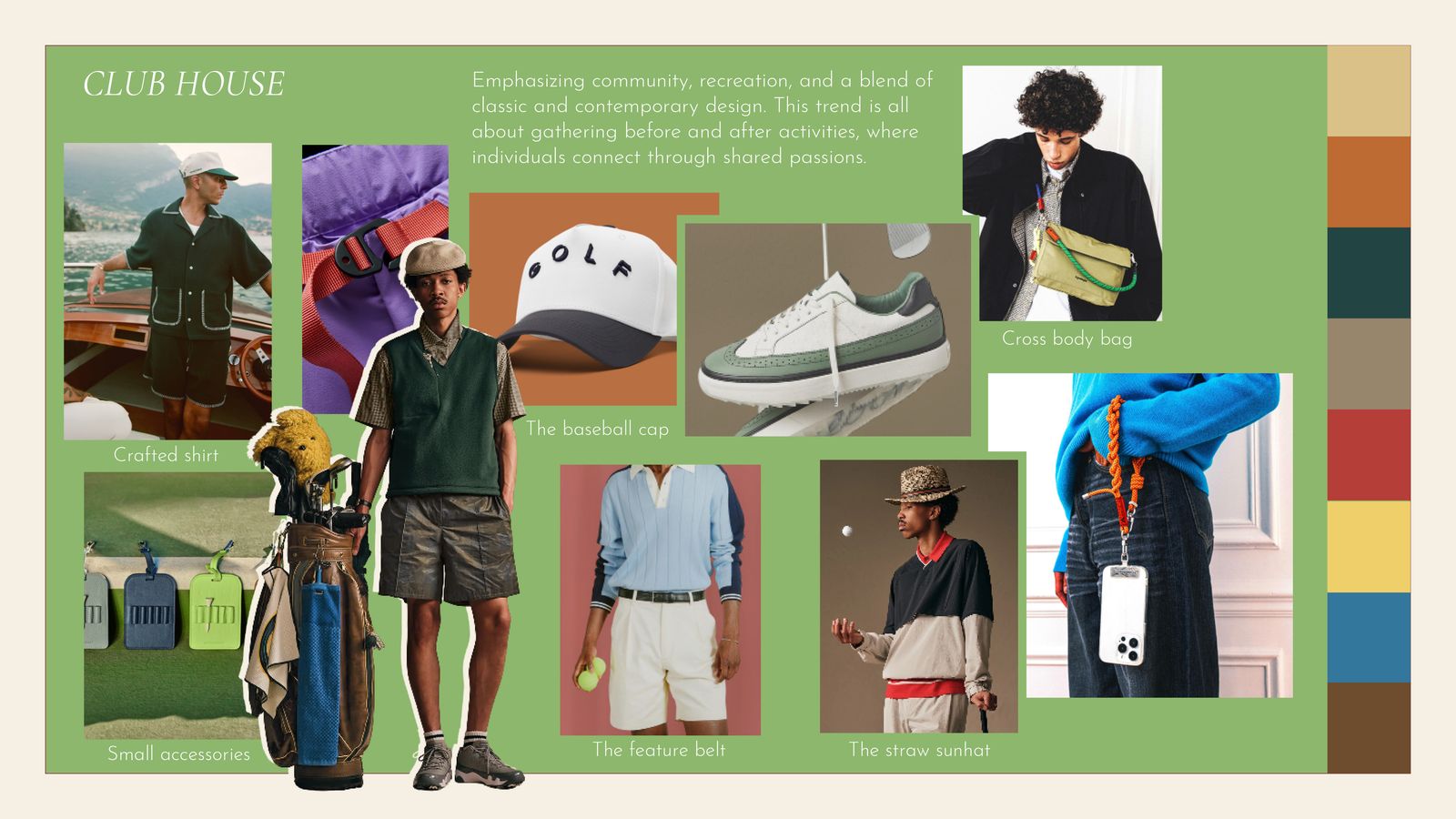
Every season starts with a point of view
Before a designer sketches a belt or a merchandiser builds a line plan, someone has to decide what the season is about: the colors, materials, silhouettes and stories that will matter 8 to 12 months from now.
For a portfolio of licensed brands, that direction has to work for every brand and every retail partner, so it has to be built on more than instinct.
Forecasting
WGSN and Future Snoops for the macro shifts.
Culture
Mainstream fashion and emerging trends.
Brand partners
Licensor trend direction combined with ours.
Data
Real data with the analytics team.
Field
Comp shopping and trend trips.
Synthesis
AI pulls it into one trend story.
Forecasting, data and the field
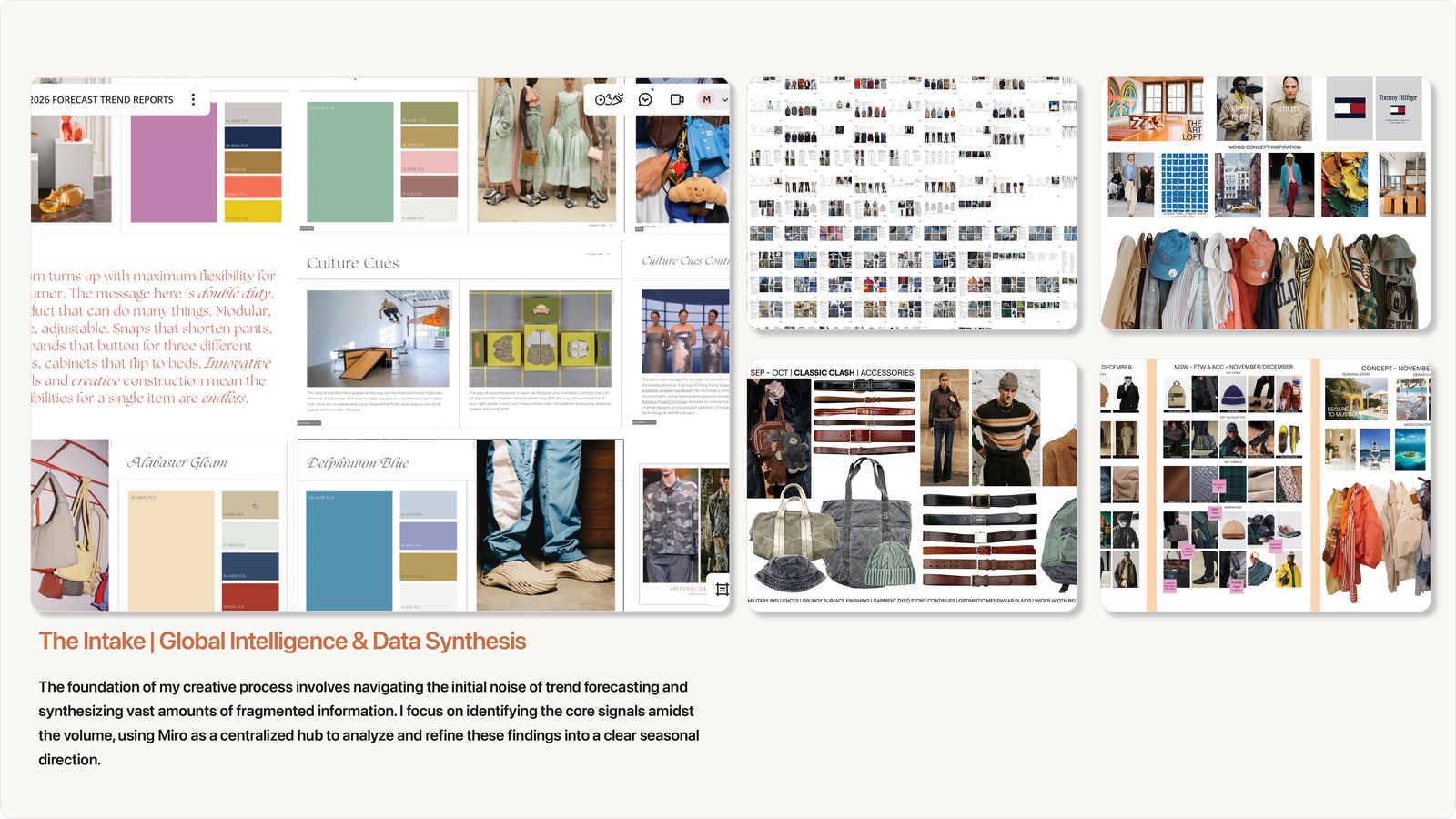
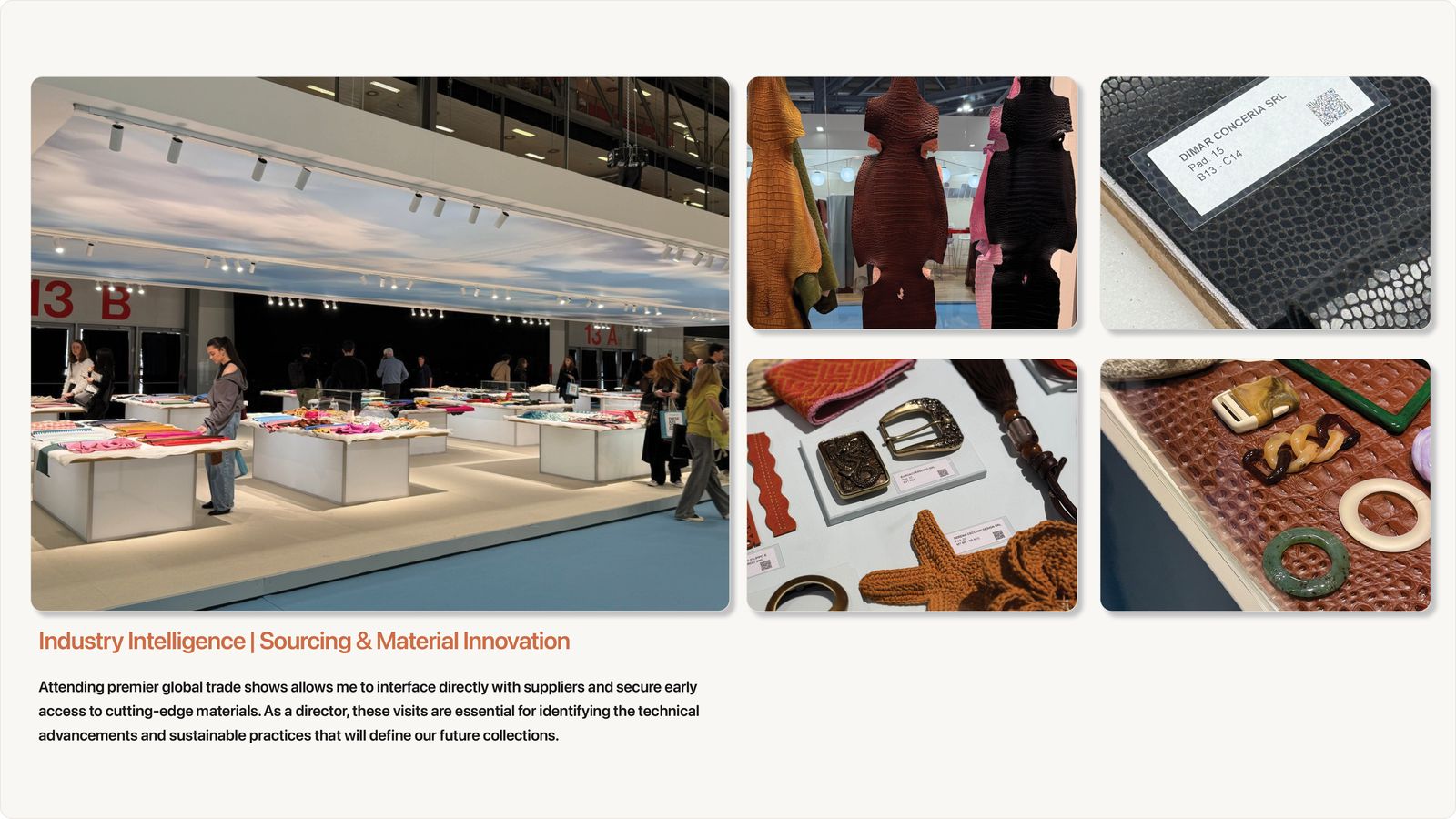
Research starts with the forecasting services, WGSN and Future Snoops, for the big shifts in color, materials and consumer mood. Everyone has access to the same reports, so the value comes from what you add to them.
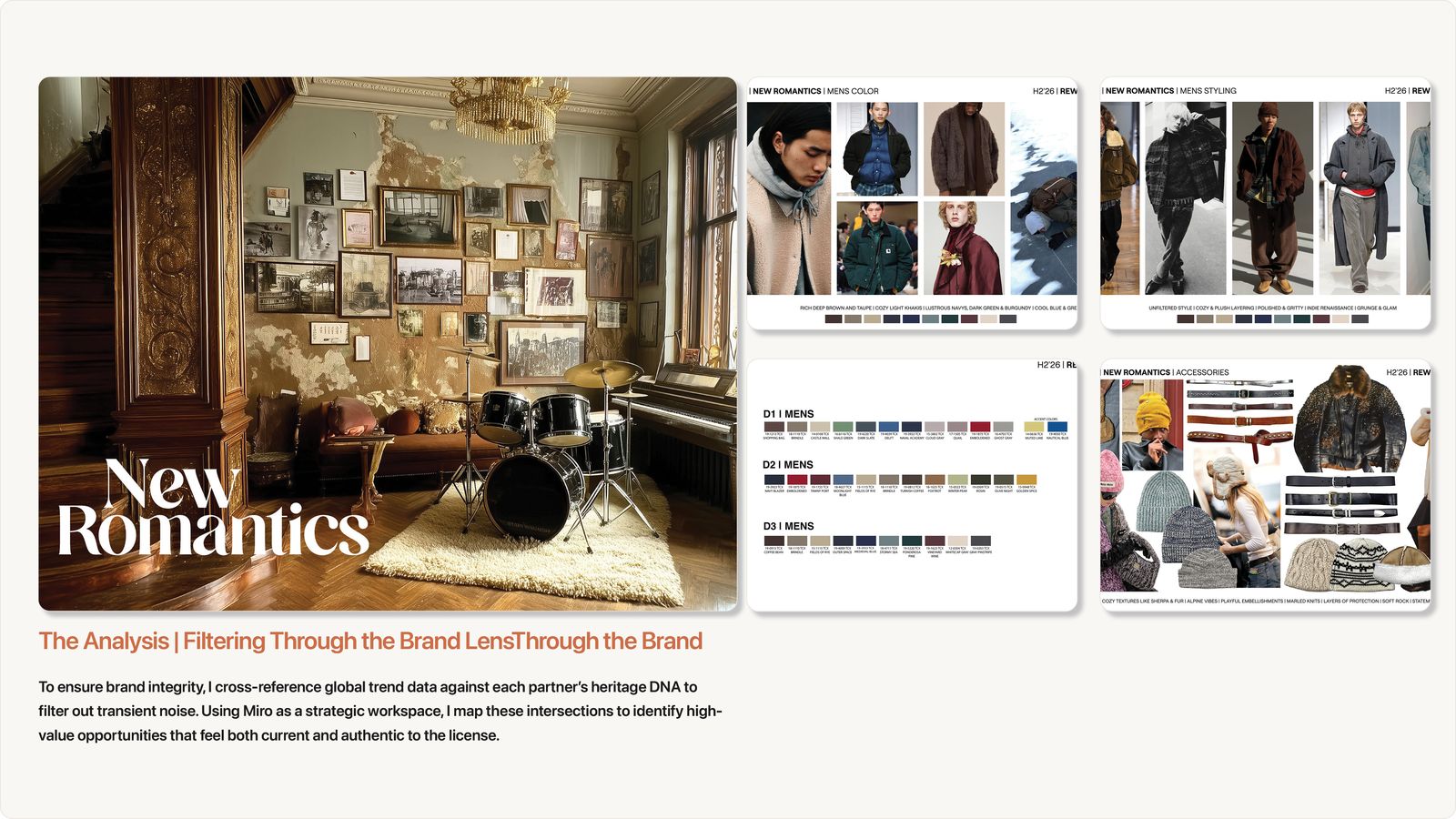
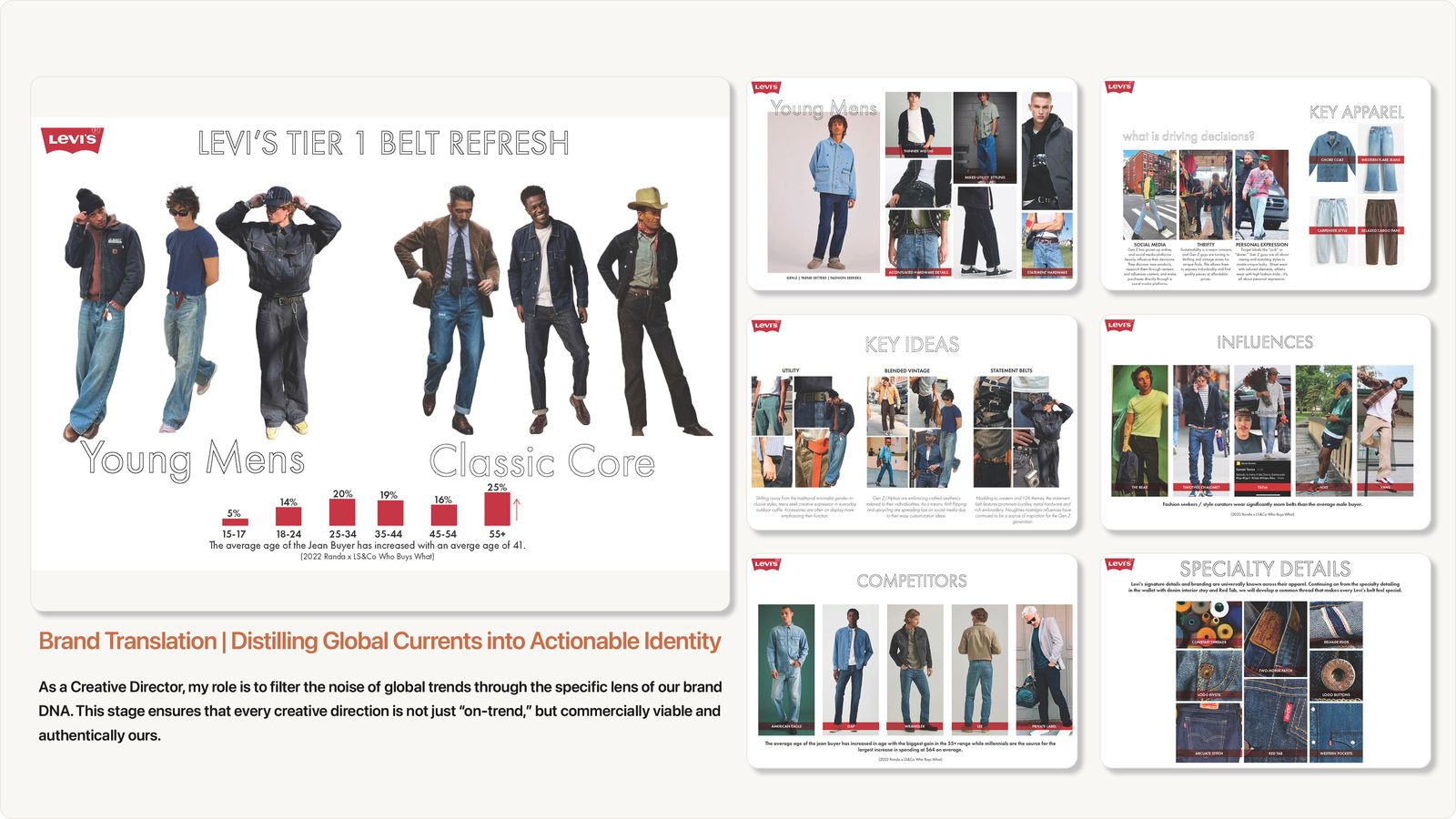
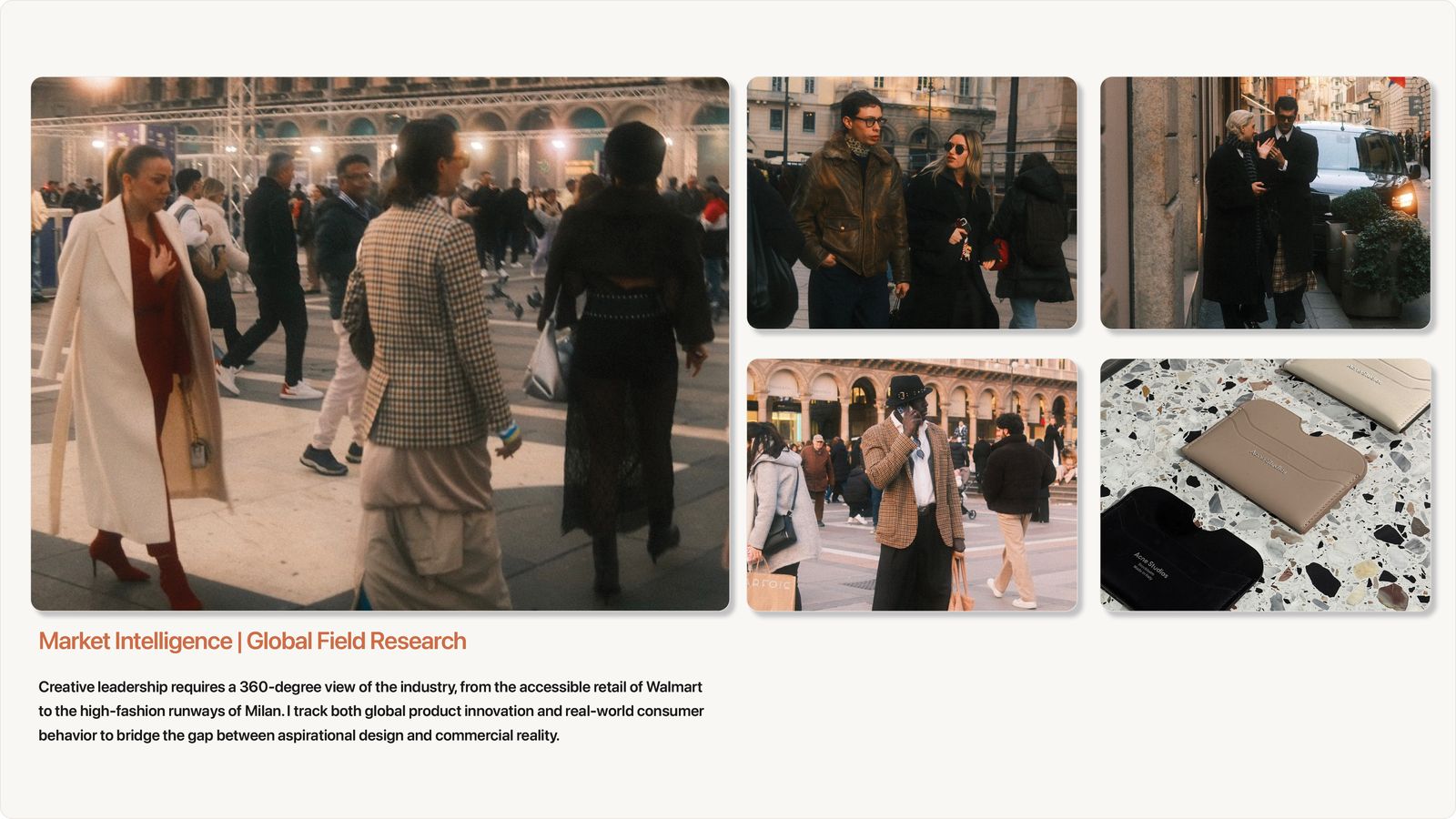
I combined our licensed brand partners’ own seasonal direction with ours, checked instinct against real data with our analytics team, and used comp shopping and trend trips to see product in person and catch trends that hadn’t reached Chicago yet.
From a mountain of research to a few clear stories
By this point there are service reports, partner direction, data and hundreds of photos. I used AI to help sort it all into themes, then made the calls on which stories the season would tell.
The job is to turn a mountain of research into a few clear stories the whole team can act on.
On trend direction
From mood boards to a living trend site
For S/S 27, I used AI to code the forecast as an interactive website. It can be updated as new data comes in and adjusted by category or audience, like a dedicated neckwear view, so one source serves the design team, merchandising and our partners.
The season is built around three narratives, The Artisan, Retro Sport and Earth & Tech, with a macro color palette, key directions and key items.
| InDesign trend book | Interactive trend site | |
|---|---|---|
| Format | Mood boards in a fixed layout | A website with narratives, palettes and key items |
| Updates | Rebuilt by hand | Updated as new data comes in |
| Audience | One version | Views by category, like neckwear |
| Build time | Weeks | Days |
S/S 27 Men’s Accessories Trend Forecast
Live view of the S/S 27 forecast. Scroll inside the frame to explore.
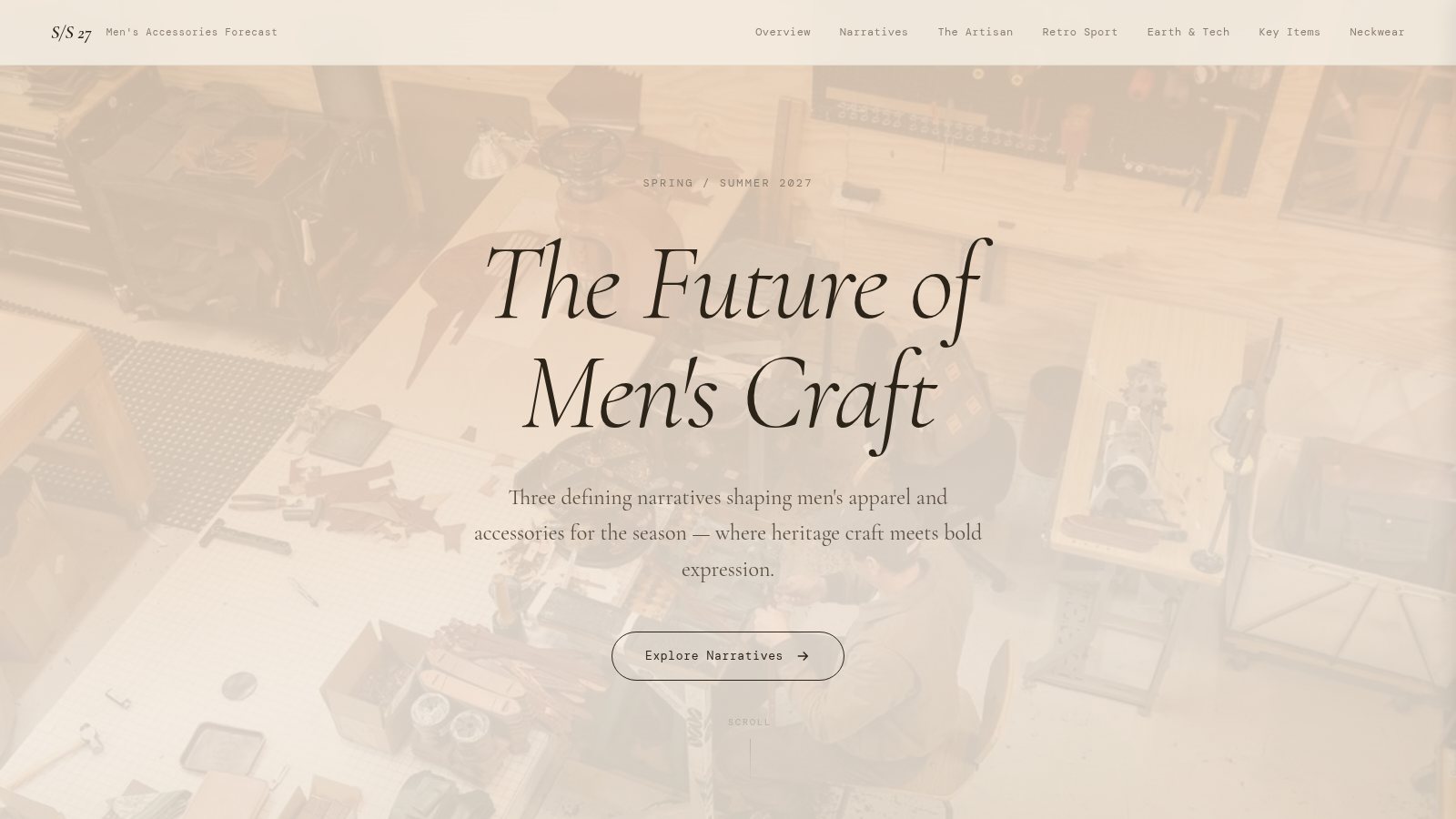
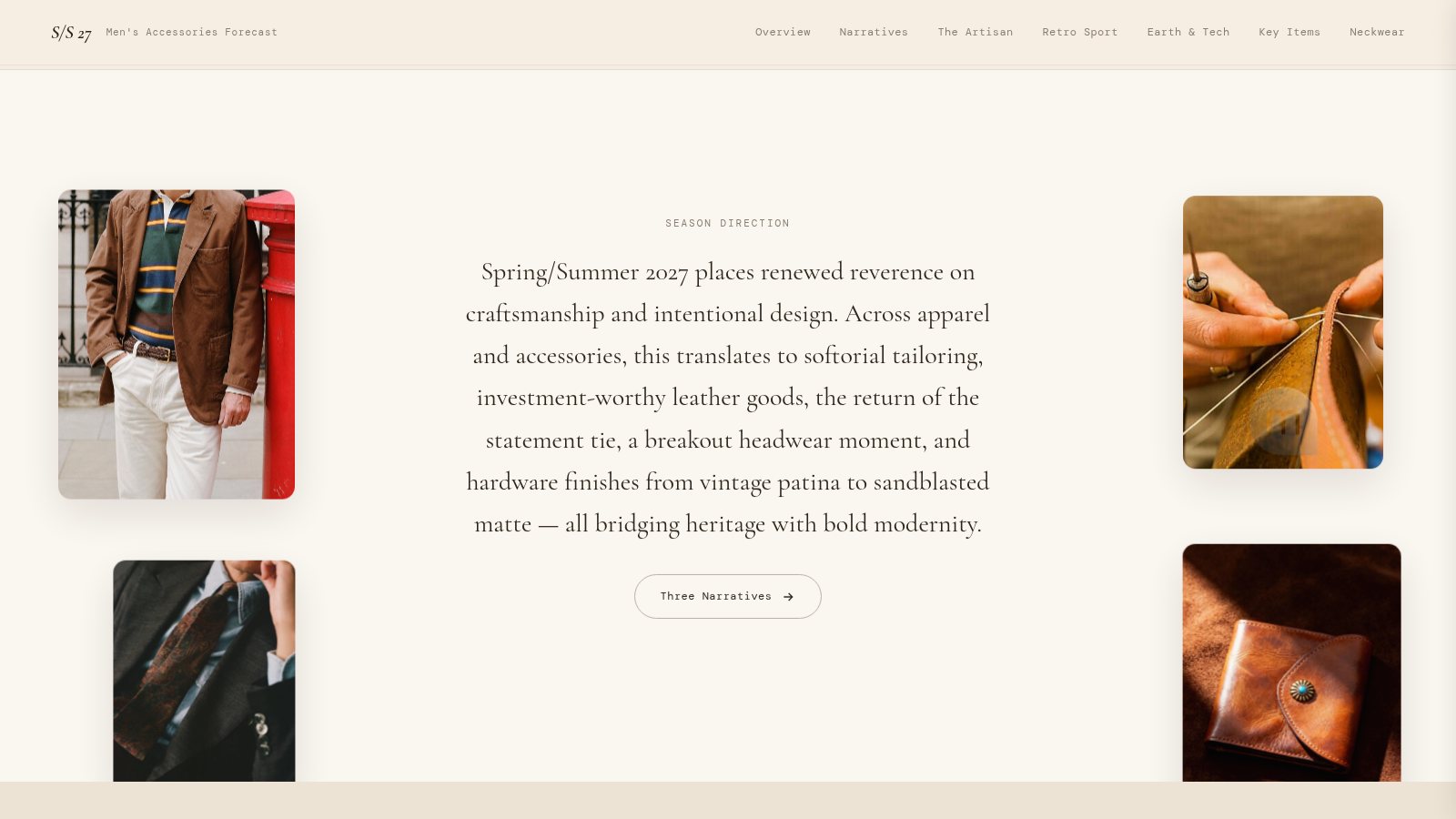
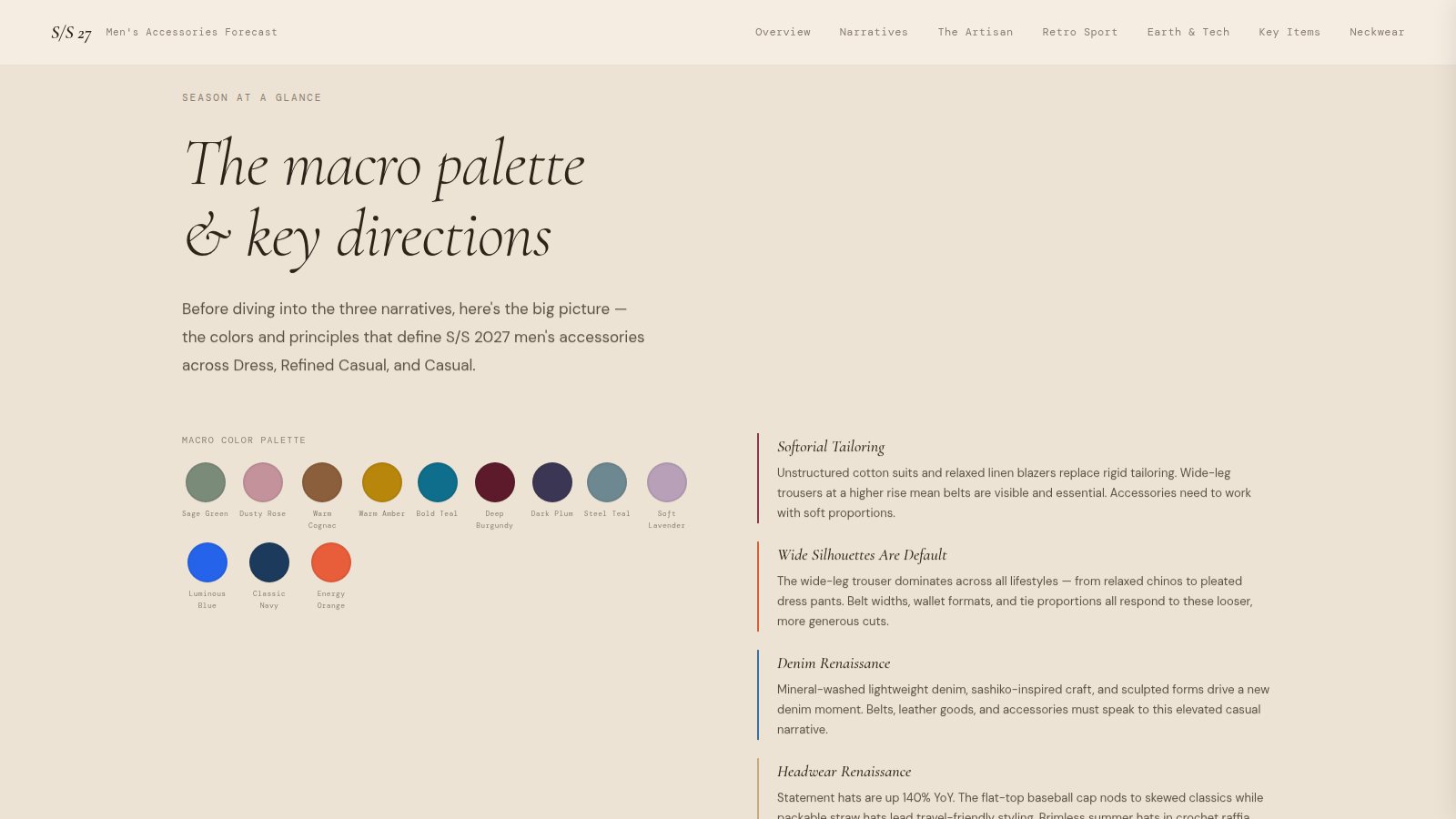
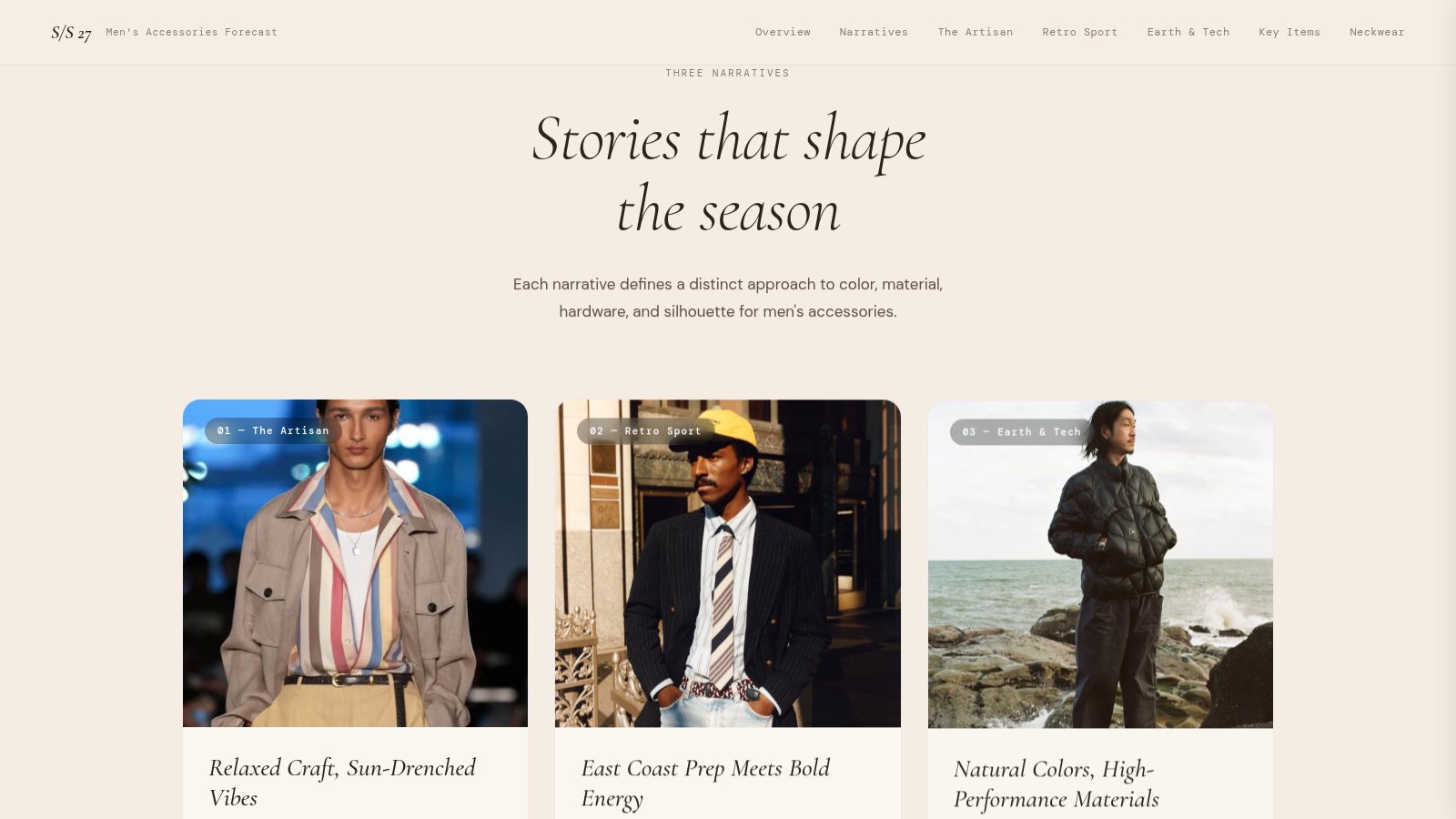
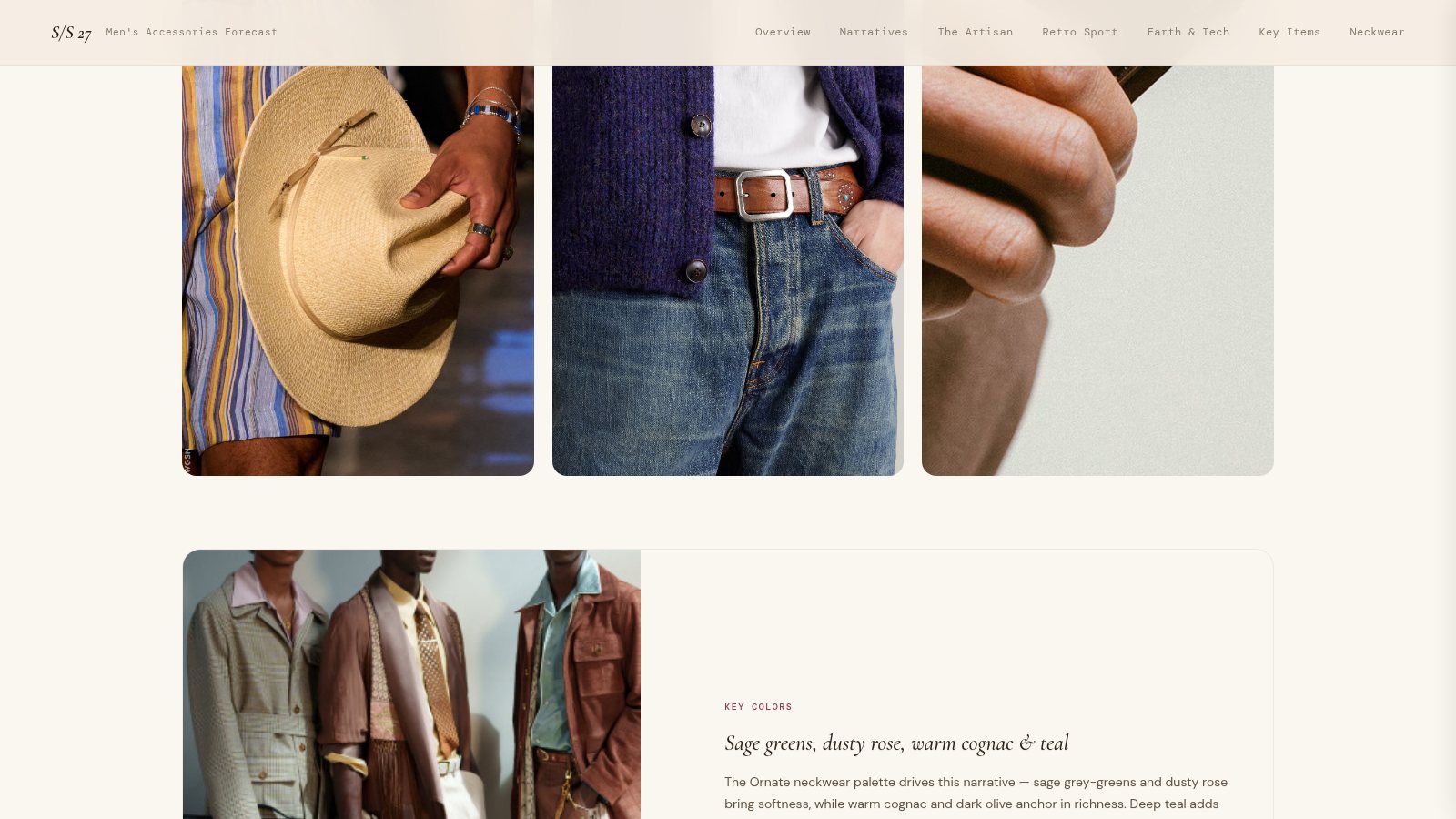
Partners and sales received the site incredibly well. It was interactive and easy to send as a live link, with no more large files to email or compress.
What AI did, and what I decided
The InDesign trend book took weeks to build each season. The AI-built site took days.
I used Claude, Gemini and NotebookLM. AI handled the reading, sorting and building. The point of view stayed mine.
AI detailWhat AI did, and what I decided
| Step | AI helped with | I decided |
|---|---|---|
| Reports | Summarizing WGSN, Future Snoops and brand partner trend reports | What fit each licensed brand and retail partner |
| Themes | Sorting the research into possible trend stories | The three narratives for the season |
| Copy | Drafting the narrative and key item text | The color palette, key directions and key items. I edited what AI wrote before anything went out. |
| Site | Writing the code for the interactive site | A live site over a fixed deck |
Showing other teams
I presented the trend site to other design teams across the world, showed them how I built it, and shared the steps so they could repeat it in their own process.